Convert RGB Colors to HSL Online
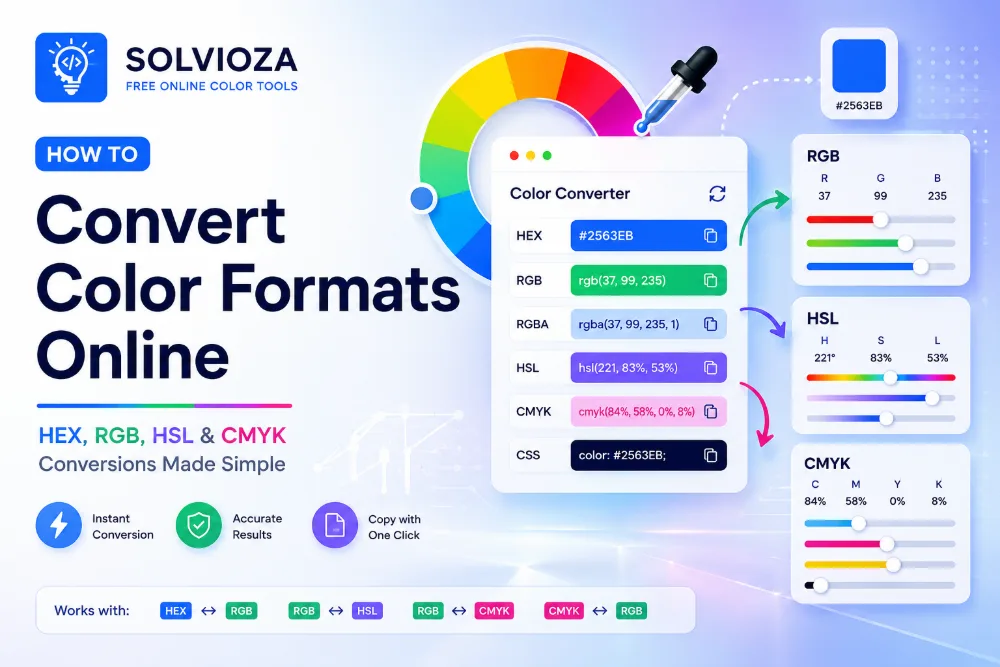
RGB to HSL Color Converter by Solvioza helps you convert RGB colors into HSL values instantly. You can also enter HSL values and convert them back to RGB, making it useful for CSS, UI design, color editing, and frontend development. The online color conversion guide explains how these formats fit into a broader workflow.
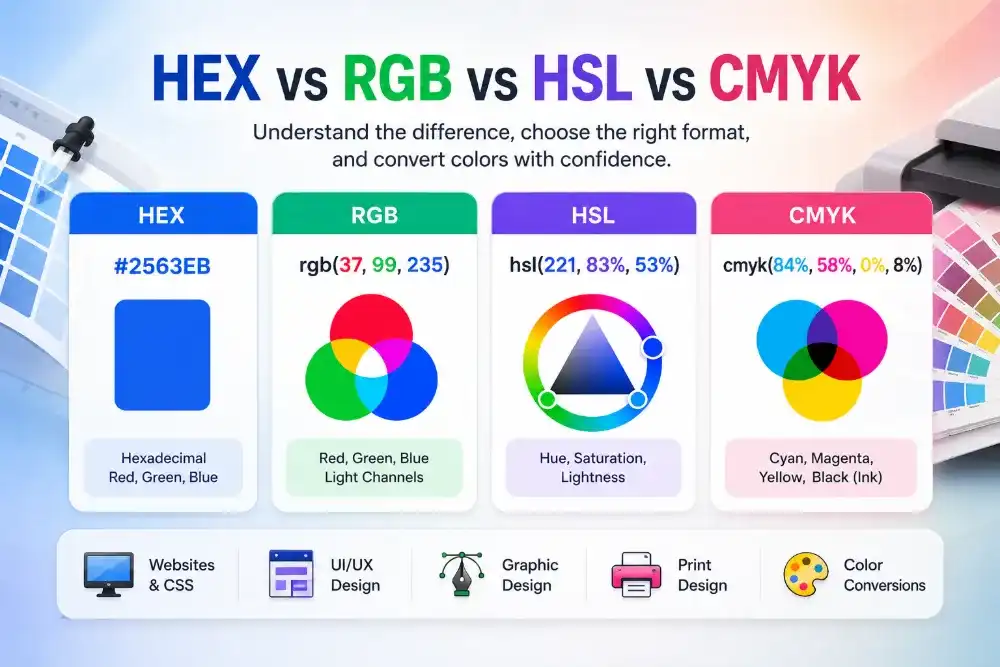
RGB describes a color using red, green, and blue channels from 0 to 255. HSL describes color using hue, saturation, and lightness, which can feel more natural when adjusting color tone, intensity, and brightness.
The tool runs directly in your browser and updates values instantly. You can select a color visually, edit RGB or HSL fields manually, copy formatted CSS values, and reuse recent colors during your workflow.
What You Can Do with This RGB to HSL Converter
Convert RGB to HSL
Turn RGB values like rgb(160, 19, 236) into HSL values like hsl(279, 85%, 50%).
Convert HSL to RGB
Enter hue, saturation, and lightness values to get the matching RGB color instantly.
Adjust Colors More Naturally
Use HSL when you want to change brightness, saturation, or hue without guessing RGB channel values.
Copy CSS Color Values
Copy formatted RGB, HSL, plain RGB, and plain HSL values for CSS, design systems, and documentation.
RGB and HSL Explained
Compare the channel-based RGB model with the more adjustment-friendly HSL model. The color format comparison provides additional context.
| Format | Example | Best For |
|---|---|---|
| RGB | rgb(160, 19, 236) |
Working with red, green, and blue screen color channels. |
| HSL | hsl(279, 85%, 50%) |
Adjusting hue, saturation, and lightness in a more human-friendly way. |
How to Convert RGB to HSL Online
- Enter RGB values. Type red, green, and blue values from 0 to 255.
- Or enter HSL values. Type hue from 0 to 360, then saturation and lightness from 0 to 100.
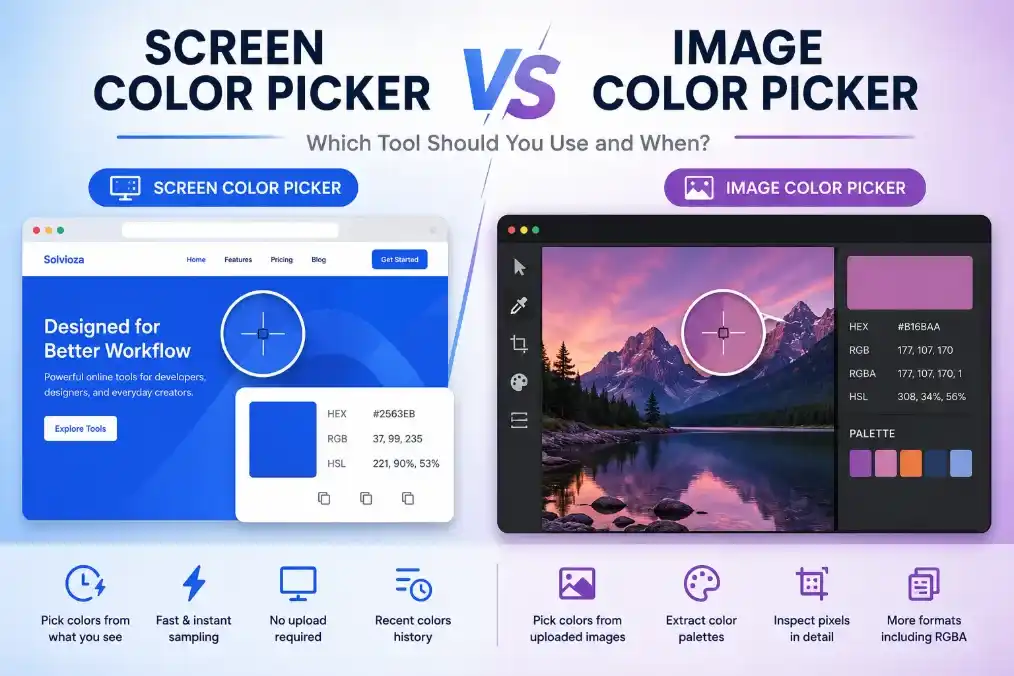
- Select a color visually. Use the Select Color button, sample anything visible with the Screen Color Picker, or extract a pixel value using the Image Color Picker.
- Review the live preview. The selected color updates instantly as values change. For a human-readable label, check its HEX equivalent with the Color Name Finder and the HEX color-name guide.
- Copy the result. Copy RGB, HSL, plain RGB, or plain HSL values for CSS and design use.
When to Use HSL Instead of RGB
HSL is especially helpful when you want to create lighter, darker, softer, or more intense versions of the same color. Instead of changing red, green, and blue channels manually, you can adjust lightness or saturation directly. For a ready-made range around one base color, use the Color Shades & Tints Generator and read the guide to tints, shades, and tones.
For example, designers often use HSL to create hover colors, disabled states, background tints, border colors, and theme variations. Developers can use HSL in CSS when building flexible color systems and reusable UI tokens. Build a complete set with the Color Palette Generator and follow the website color palette guide.
Common Uses for RGB and HSL Colors
- For CSS: convert RGB values into
hsl()values for easier color adjustment in stylesheets, then combine selected colors using the CSS Gradient Generator. The CSS gradient guide explains the available gradient types. - For UI design: adjust saturation and lightness for buttons, badges, cards, backgrounds, and hover states. Verify foreground and background pairs with the Color Contrast Checker and interpret the results using the WCAG contrast guide.
- For HEX workflows: if your starting color is a HEX code, first use the HEX to RGB Color Converter, then fine tune the color in HSL.
- For print handoff: when you need print-oriented color values, convert screen colors with the RGB to CMYK Color Converter.
Private Browser-Based RGB and HSL Conversion
The RGB to HSL Color Converter works directly in your browser. Your color values are processed locally, so conversion is fast and private.
Recent colors are available during your current workflow, making it easier to compare and reuse colors without retyping values.