Pick Colors from Anywhere on Your Screen
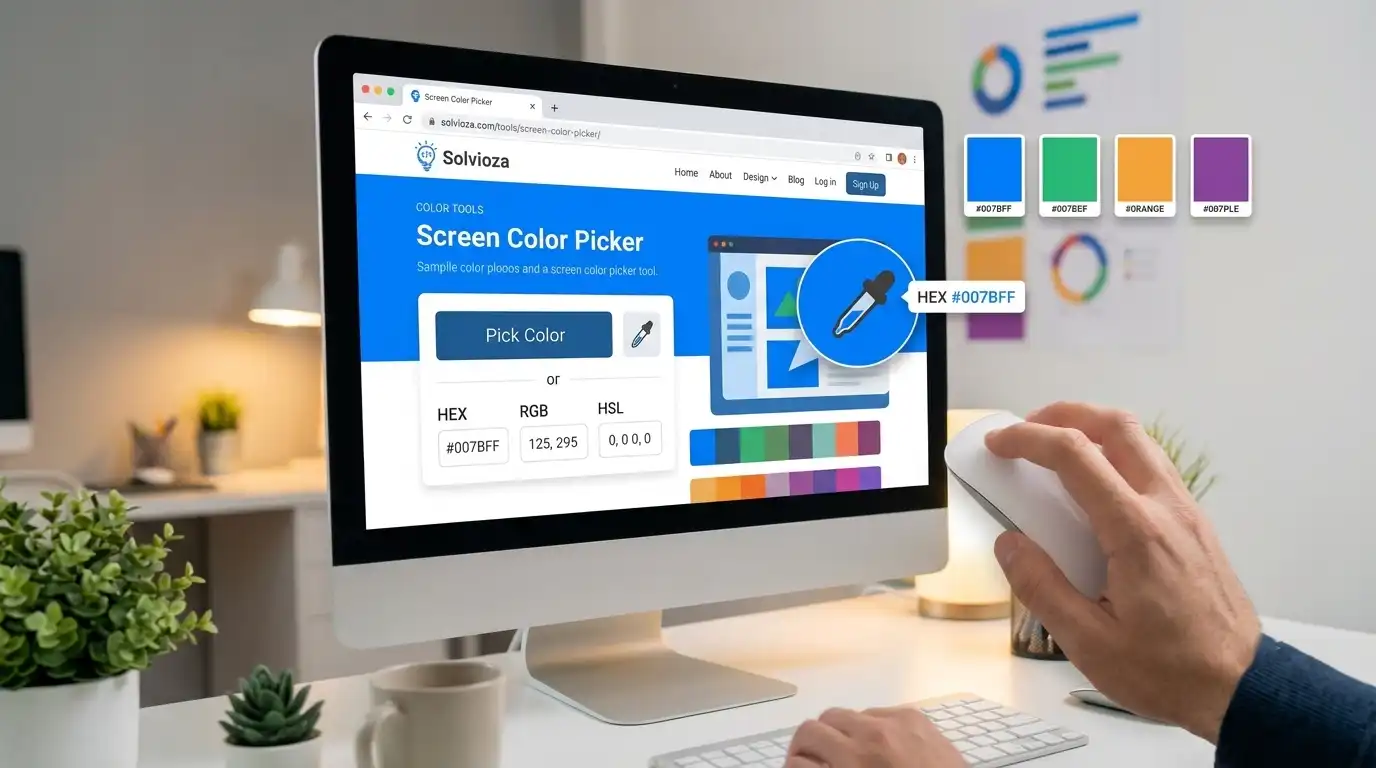
Screen Color Picker by Solvioza lets you select a color from anything visible on your screen and instantly convert it into useful color codes like HEX, RGB, and HSL.
It is useful when you want to grab a color from a website, design preview, app interface, video frame, browser tab, screenshot, presentation, or any visible screen element without uploading a file.
The tool uses your browser’s native eyedropper feature when supported, making the color picking experience simple, fast, and focused. Follow the screen color picker guide for a complete walkthrough.
What You Can Do with Screen Color Picker
Sample Website Colors
Pick colors from buttons, backgrounds, headings, icons, and other visible UI elements.
Copy Ready-to-Use Codes
Get HEX, RGB, and HSL values instantly and copy the format you need for design or development.
Match Visual References
Grab a color from a mockup, brand reference, app screen, presentation, or visual inspiration.
Reuse Recent Colors
Quickly select recently picked colors again while working in the same tool session.
Color Formats Included
Choose the value that fits your workflow, or use the HEX to RGB Converter and RGB to HSL Converter when you need another representation. Our color format guide explains where each format works best.
| Format | Common Use |
|---|---|
| HEX | Website styling, brand colors, design systems, and quick sharing. |
| RGB | Digital design, CSS, screen-based colors, and image editing workflows. |
| HSL | Adjusting hue, saturation, and lightness when creating color variations. |
How to Pick a Color from Your Screen
- Click the eyedropper button: Start the browser color picker from the tool card.
- Select a visible color: Move the eyedropper over any color on your screen and click.
- View the result: The selected color appears with HEX, RGB, and HSL values.
- Copy the code: Use the copy button next to the color format you want.
- Reuse recent colors: Pick from your recent color list if you need the same color again.
Screen Color Picker vs Image Color Picker
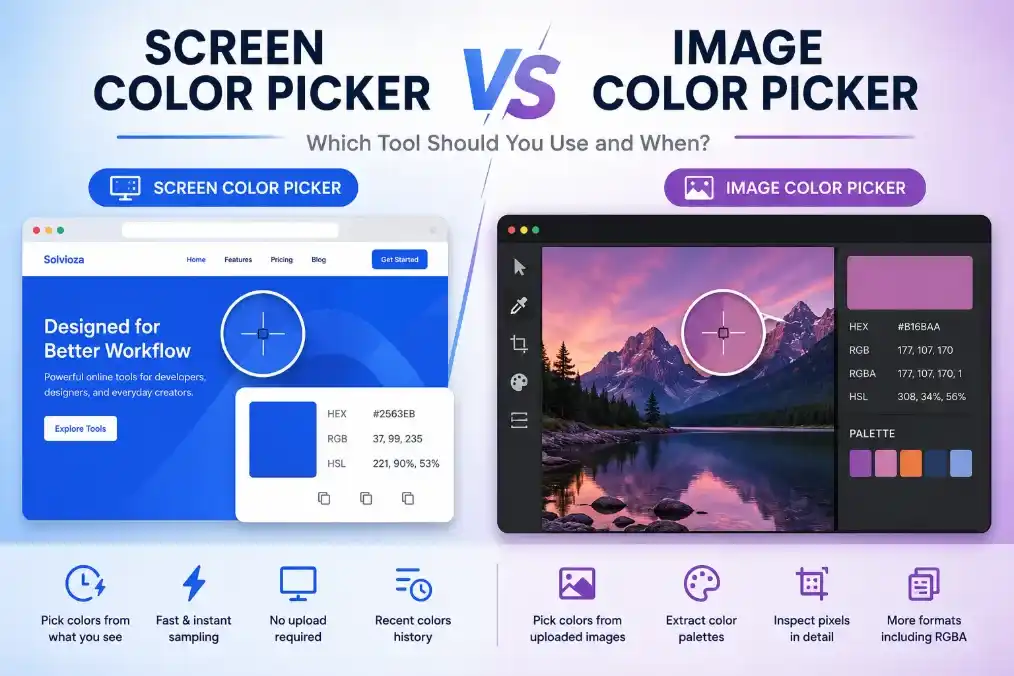
Screen Color Picker is best when the color is already visible somewhere on your screen, such as inside a browser tab, app window, website, or design preview.
If you already have an image file and want to inspect pixels from that image more directly, use the Image Color Picker. That tool is better for uploaded images, screenshots, logos, product photos, and palette extraction. Read the screen versus image color picker comparison if you are unsure which workflow to choose.
Private Browser-Based Color Picking
Screen color picking happens in your browser. Solvioza does not upload, transmit, or store your screen data. The selected color value is generated locally and shown immediately inside the tool.
Browser support may vary because this tool depends on the native EyeDropper API. For the best experience, use a supported desktop browser such as Chrome or Edge.
Ways to Use Picked Screen Colors
This tool is helpful when building websites, matching interface colors, checking brand references, recreating color styles, or collecting colors from visual inspiration. If you need a readable label instead of a code, look up the selected HEX value with the Color Name Finder.
For a broader design system, build around the sampled color with the Color Palette Generator, create lighter and darker variations using the Color Shades & Tints Generator, or combine it with another color in the Color Mixer. The website color palette guide provides a practical workflow.
When the color will be used in an interface, turn it into a background with the CSS Gradient Generator or test its readability against text and other elements with the Color Contrast Checker. See the WCAG color contrast guide for help interpreting AA and AAA results.
Screen Color Picking Tips
- Zoom in when needed: If the color area is small, zooming the page or app can make selection easier.
- Avoid edges and shadows: Click inside a solid color area for a cleaner result.
- Use HEX for websites: HEX is often the fastest format for CSS and brand references.
- Use RGB for digital workflows: RGB is useful for screen-based design and editing tools.
- Use HSL for variations: HSL makes it easier to adjust brightness, saturation, or hue.