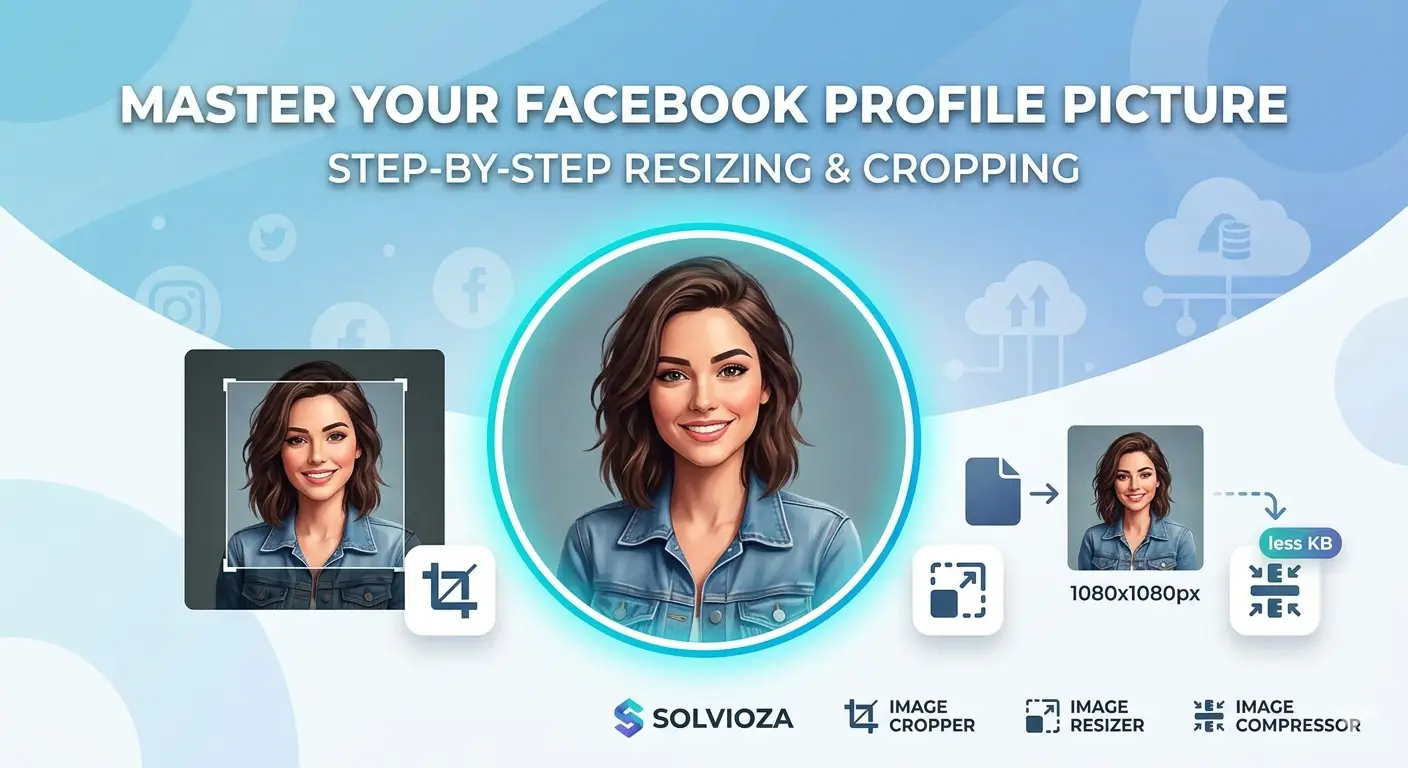
Resize a Facebook Profile Picture Online with Crop and Circular Preview
At Solvioza, we built this Facebook Profile Picture Resizer for users who want a simple, practical way to prepare a profile photo before uploading it to Facebook. Instead of guessing how your image will look after Facebook displays it in a circular frame, this tool lets you crop, center, zoom, preview, and download a clean profile-ready image directly online.
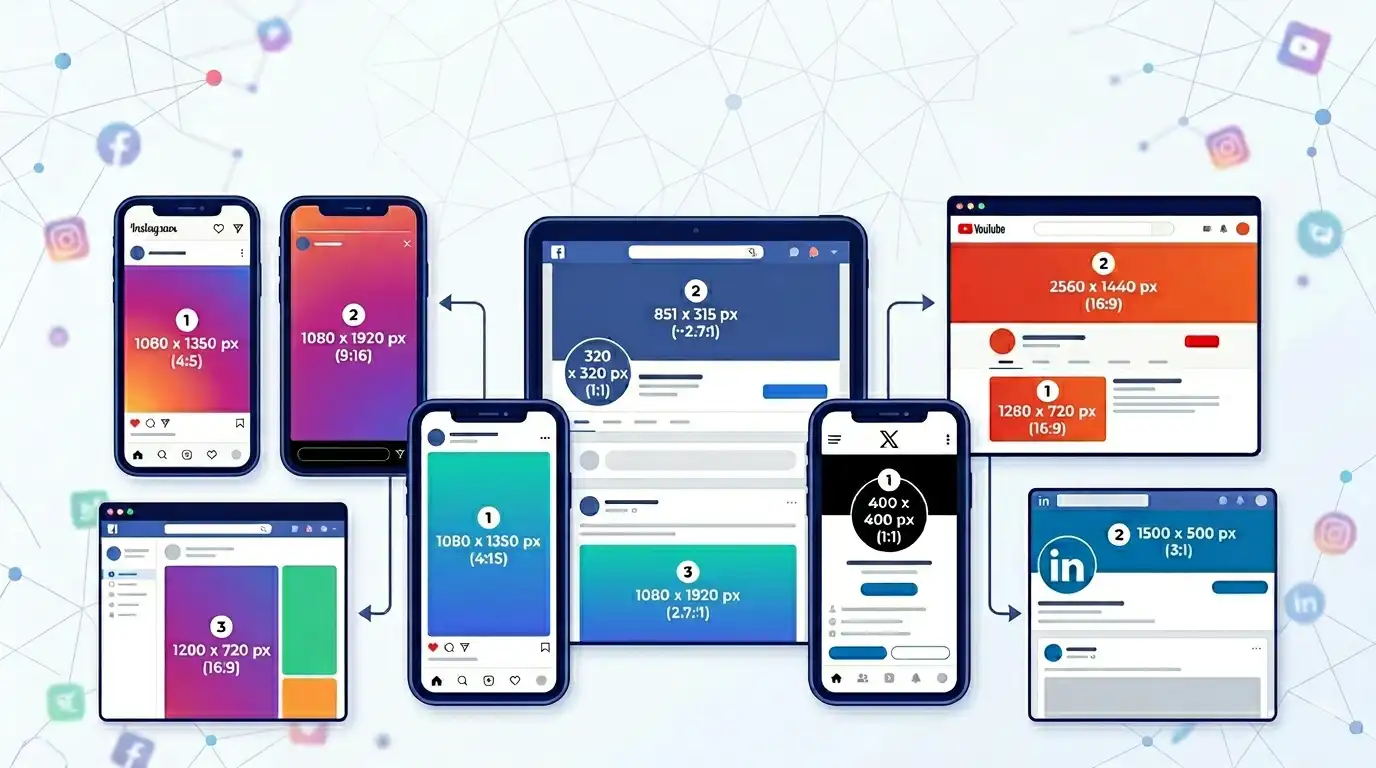
A good Facebook profile dp should look clear in several places: your profile page, comments, posts, Messenger, search results, pages, groups, and small circular thumbnails. This tool helps you keep faces, logos, and important details centered so your final image looks more polished across different Facebook placements. Check our social media image size guide when preparing assets for other platforms too.
The workflow is designed for real use. Upload your photo, crop the best area, adjust the zoom, check the circular preview, choose an output size, and download the final image as JPG, PNG, or WebP. You can also choose whether to download the standard square image or an optional circular version. For general sizing principles, see the image resizing guide.
Facebook Profile Picture Cropping and Preview Features
Crop Before Resizing
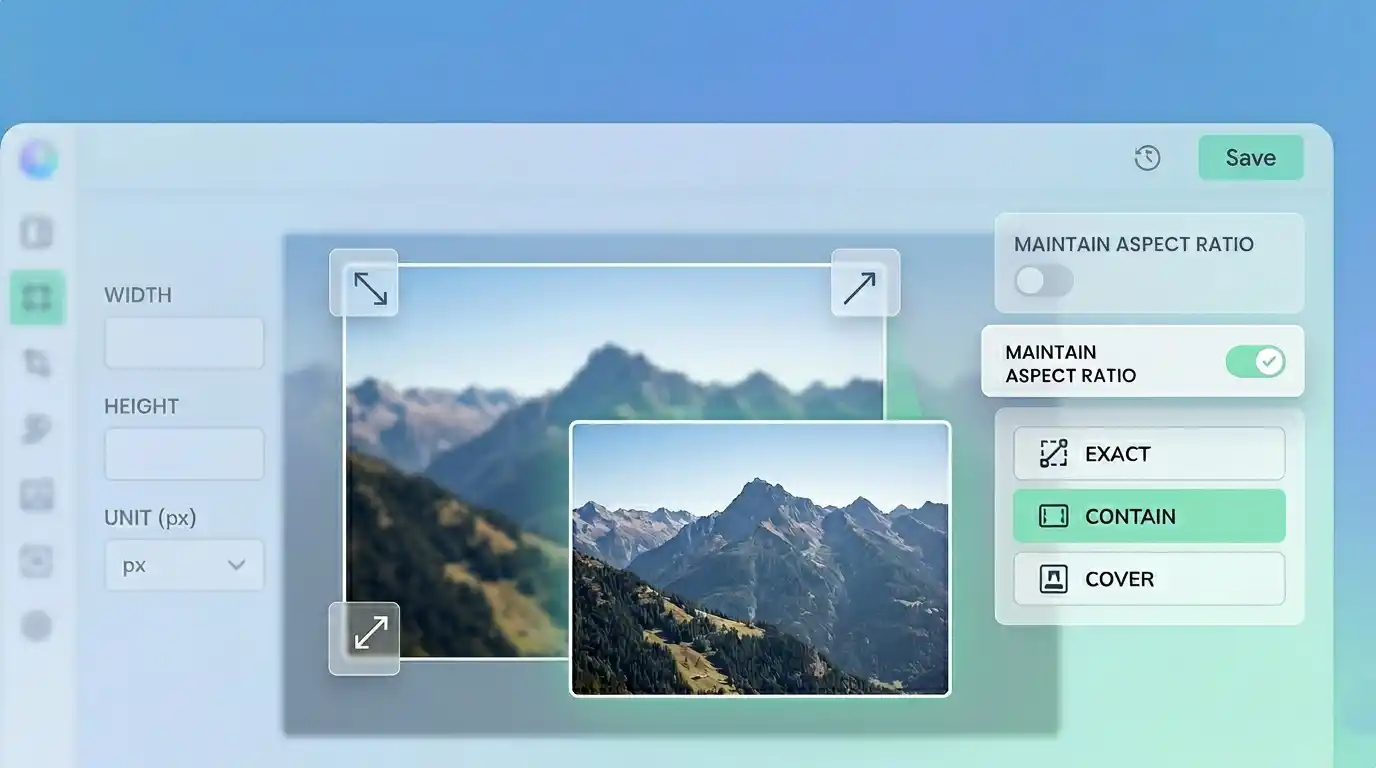
Select the best part of your image first, then fine tune the result for a cleaner Facebook profile photo. Our image cropping guide explains how framing affects the final result.
Circular Preview
Preview how your profile picture may appear when Facebook displays it inside a round frame.
Flexible Download
Download a standard square profile image by default, or export a circular version when you need one.
Why Use a Facebook Profile Picture Resizer?
Facebook profile images are displayed in different sizes and shapes depending on where they appear. A photo that looks good as a large square may not look right when cropped into a small circle. This tool helps reduce that guesswork.
-
Better Centering for Faces and Logos Keep the most important part of your image near the center so it remains visible when Facebook shows the photo as a circle.
-
Square Output for Facebook Uploads Facebook works best with a square source image, so the default download is a clean square file ready for profile upload.
-
Live Size Preview Check how your Facebook profile photo may look in smaller placements like comments, feeds, and profile thumbnails.
-
Optional Safe Area Guide Use the safe area ring to keep key details away from the edges where circular cropping may hide them.
-
Useful for Personal and Brand Profiles Prepare profile pictures for personal accounts, Facebook pages, groups, creators, businesses, and brand identities.
Main Features of Our Facebook Profile Picture Resizer
We focused on features that make it easier to resize a Facebook profile picture online without needing design software or a complicated photo editor.
- Image crop popup: Crop the desired part of your photo before adjusting the final profile picture.
- Manual zoom control: Scale the image carefully so the subject fits properly inside the profile frame.
- Drag positioning: Move the image inside the editor to center faces, logos, or important details.
- Facebook-style circular preview: See how the profile picture looks when displayed as a circle.
- Safe area option: Turn on the guide to check whether important details are too close to the edge.
- Multiple export sizes: Download 320x320, 1080x1080, or 2048x2048 pixel profile images.
- JPG, PNG, and WebP output: Choose the file format that best fits your upload or sharing needs.
- Optional circular export: Download a circular image if you specifically need a round profile picture file.
Common Uses for a Facebook Profile Picture Resizer
Personal Facebook Profiles
Crop and resize selfies, portraits, family photos, and casual profile pictures so they look cleaner in circular Facebook previews.
Facebook Pages
Prepare profile images for business pages, creator pages, community pages, and public brand profiles.
Logos and Brand Marks
Center logos and icons inside the safe area so important parts are not cut off by circular display cropping.
Groups and Communities
Create clear group profile pictures that stay readable in small thumbnails, feeds, and search results.
Choose the Right Facebook Profile Picture Size
Compare the available square output sizes based on upload speed, image clarity, and whether you plan to reuse the profile image elsewhere.
| Output Size | Best For | Why It Helps |
|---|---|---|
| 320x320 | Quick profile uploads | A practical small profile image size that is easy to upload and share. |
| 1080x1080 | High quality profile photos | A strong balance between quality and file size for modern profile images. |
| 2048x2048 | Maximum quality export | Useful when you want a larger image for future reuse or sharper uploads. |
How to Resize a Facebook Profile Picture Online
- Upload your image: Choose a JPG, PNG, or WebP file from your device.
- Crop the photo: Select the square area you want to use as your Facebook profile picture.
- Adjust zoom and position: Center the subject and make sure the important area fits inside the frame.
- Check the circular preview: Review how the image may look when Facebook displays it as a round profile photo.
- Choose the output size: Select 320x320, 1080x1080, or 2048x2048 pixels.
- Pick the format: Export as JPG, PNG, or WebP depending on your preference.
- Download the final image: Save the square profile picture, or enable the circular download option if needed.
Square vs Circular Facebook Profile Picture Download
For most Facebook uploads, the square image is the better default. Facebook commonly stores the uploaded profile image as a square source and then displays it inside circular frames across the platform. That is why this tool downloads the actual square image by default.
The circular preview is mainly there to help you see how the profile picture will look after Facebook visually clips it. If you need a round image for another purpose, such as a design mockup, website avatar, or social graphic, you can enable the optional circular download.
Best Image Formats for Facebook Profile Pictures
JPG Export
JPG is a good choice for normal photos and portraits when you want a widely supported profile image format. Compare JPG, PNG, and WebP in our image format guide before choosing an export.
PNG Export
PNG is useful for graphics, logos, sharper edges, and cases where image clarity matters more than smaller file size.
WebP Export
WebP is a modern option that can provide strong quality with efficient file size for online use.
Tips for a Better Facebook Profile Picture
- Keep faces centered: If the photo includes a person, keep the face near the middle so it remains visible in circular previews.
- Avoid placing text near edges: Text, logos, and icons can be clipped when Facebook shows the profile image as a circle.
- Use a clear original image: A blurry or very small source image may still look soft after resizing.
- Choose 1080x1080 for a balanced result: This size is often a good choice for high-quality profile photos without going too large.
- Use the safe area guide for logos: Brand marks usually look better when they have extra spacing around the edges.
Who Should Use a Facebook Profile Picture Resizer?
This tool is useful for everyday Facebook users, creators, businesses, marketers, community managers, designers, freelancers, students, and anyone who needs a quick way to crop and resize a Facebook profile picture online. It is especially helpful when you want to check the circular preview before uploading the image to Facebook.
If you need a Facebook profile picture maker, Facebook DP resizer, profile photo cropper, circular profile picture preview, or a simple tool to resize image for Facebook profile, this Solvioza tool is built around that exact workflow.
Complete Your Facebook Profile Image Setup
A profile picture often works best when it matches the rest of your Facebook visuals. After preparing your profile photo, you can create a matching banner with the Facebook Cover Photo Resizer and follow our Facebook cover photo guide, add a simple logo or text mark with the Image Watermark tool, or switch formats with the Image Converter before uploading.
More Facebook Profile Picture Tips
- Use square export for Facebook: The square download is usually the best option because Facebook handles circular display automatically.
- Preview before downloading: Check the circular preview and small size previews to make sure the profile photo still looks clear.
- Keep logos simple: Complex logos may become hard to read in small comment or feed thumbnails.
- Do not over-zoom low-resolution images: If the original photo is small, heavy zoom can make the final profile picture look less sharp. Our image resolution guide explains why.
- Use related image tools when needed: If your image needs extra preparation, try our Image Resizer, Image Cropper, or Image Compressor. For file-size guidance, see how to compress images without unnecessary quality loss.
Facebook Profile Picture Upload Checklist
Before uploading your new profile picture to Facebook, use this quick checklist to avoid the most common cropping and clarity problems.
- Start with a square crop: A 1:1 image gives Facebook a cleaner source file for circular profile previews.
- Keep faces and logos centered: Place the important subject near the middle so it remains visible in comments, Messenger, feeds, and search thumbnails.
- Leave padding near the edge: Avoid putting text, faces, or brand marks too close to the corners because circular displays can hide them.
- Export at 1080x1080 when possible: This size is a practical balance for a sharp Facebook profile photo without creating an unnecessarily large file.
- Preview the small versions: Check the comment, feed, and profile previews before downloading so the final image stays recognizable at smaller sizes.