Create Beautiful Color Palettes Online
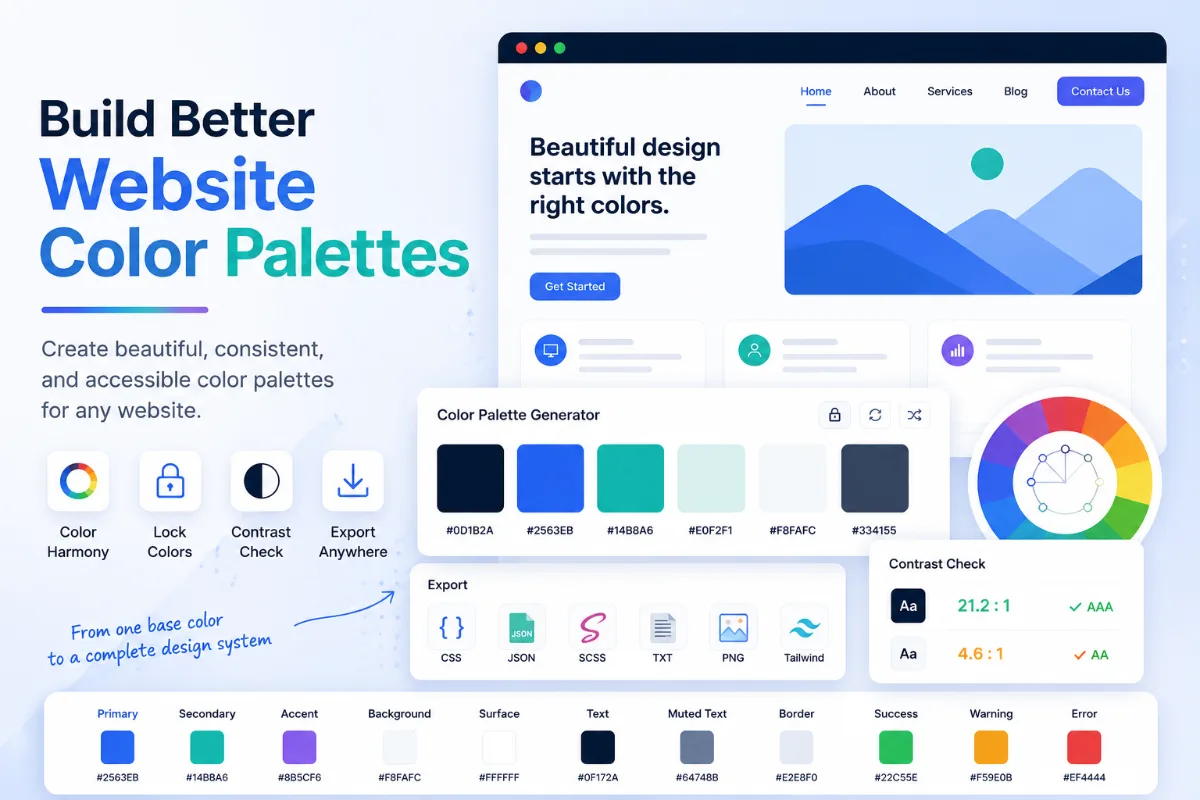
Color Palette Generator by Solvioza helps you create polished color palettes for websites, apps, brand systems, illustrations, social graphics, presentations, dashboards, and creative projects. Pick a base color, choose a palette harmony style, adjust the number of colors, then copy or export the palette in formats that are useful for both designers and developers. For a complete planning process, follow the website color palette guide.
The tool supports common color harmony methods such as monochromatic, analogous, complementary, split complementary, triadic, tetradic, square, shades, tints, tones, and random palettes. This gives you a practical starting point whether you need soft brand colors, bold UI accents, accessible interface colors, or a quick inspiration set for a design concept. For focused variations, use the Color Shades & Tints Generator or combine two chosen colors with the Color Mixer. The guides to tints, shades, and tones and online color mixing explain both methods in more detail.
Everything runs directly in your browser. You can generate palettes, lock important colors, save favorites, review recent colors, copy color values, and download exports without sending your palette to a server.
What You Can Do with This Color Palette Generator
Generate Color Harmonies
Create palettes based on proven harmony rules like analogous, complementary, triadic, tetradic, square, monochromatic, shades, tints, and tones.
Edit Every Color
Fine tune individual colors with a color picker and instantly see HEX, RGB, HSL, HSV, luminance, and contrast details.
Lock Important Colors
Keep brand colors, accent colors, or approved design colors unchanged while generating or shuffling the rest of the palette.
Copy and Export Fast
Copy HEX values, CSS variables, and Tailwind-style objects, or download your palette as JSON, CSS, SCSS, TXT, or PNG.
Color Palette Workflows for Design and Development
A useful palette generator should do more than produce random colors. Designers often need to keep one or two brand colors fixed, explore variations around a base color, compare readability, and hand off color values to developers. This tool is designed around those everyday jobs.
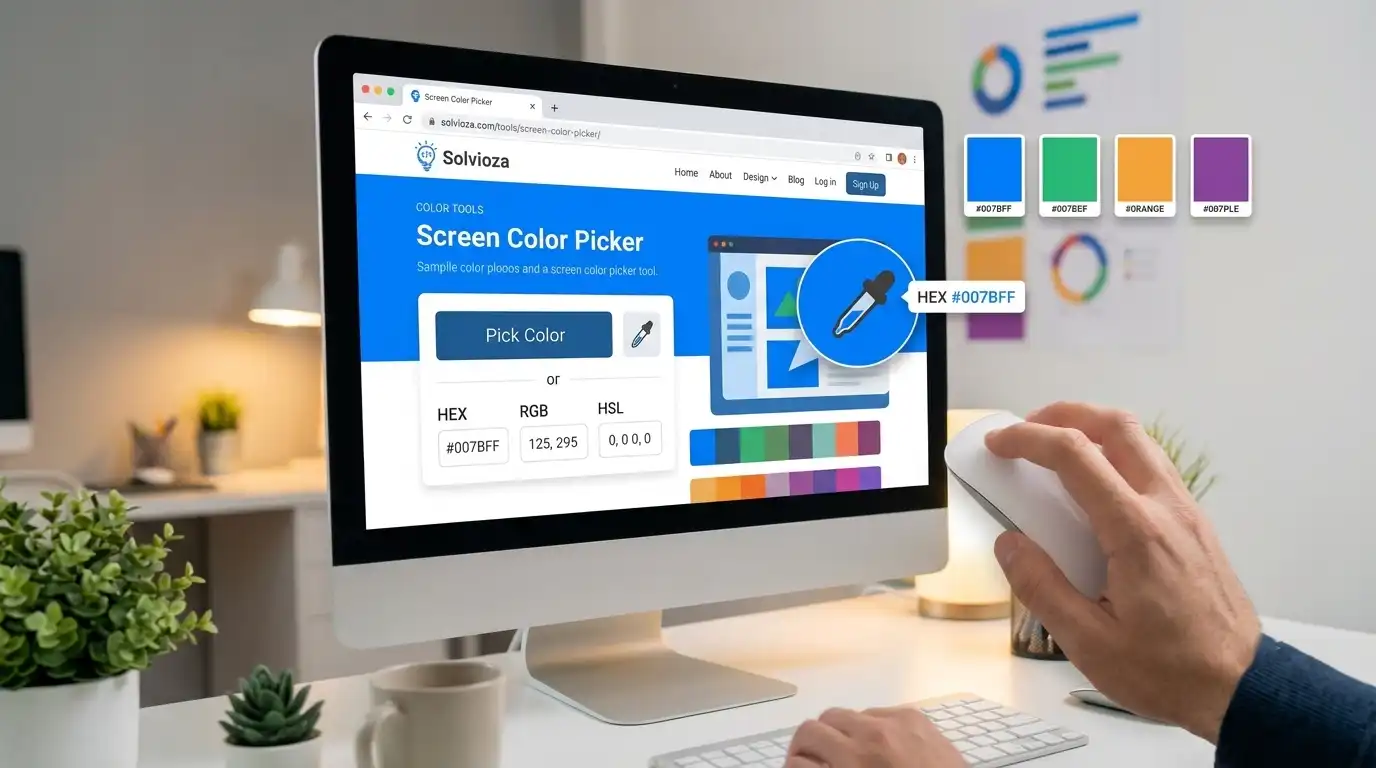
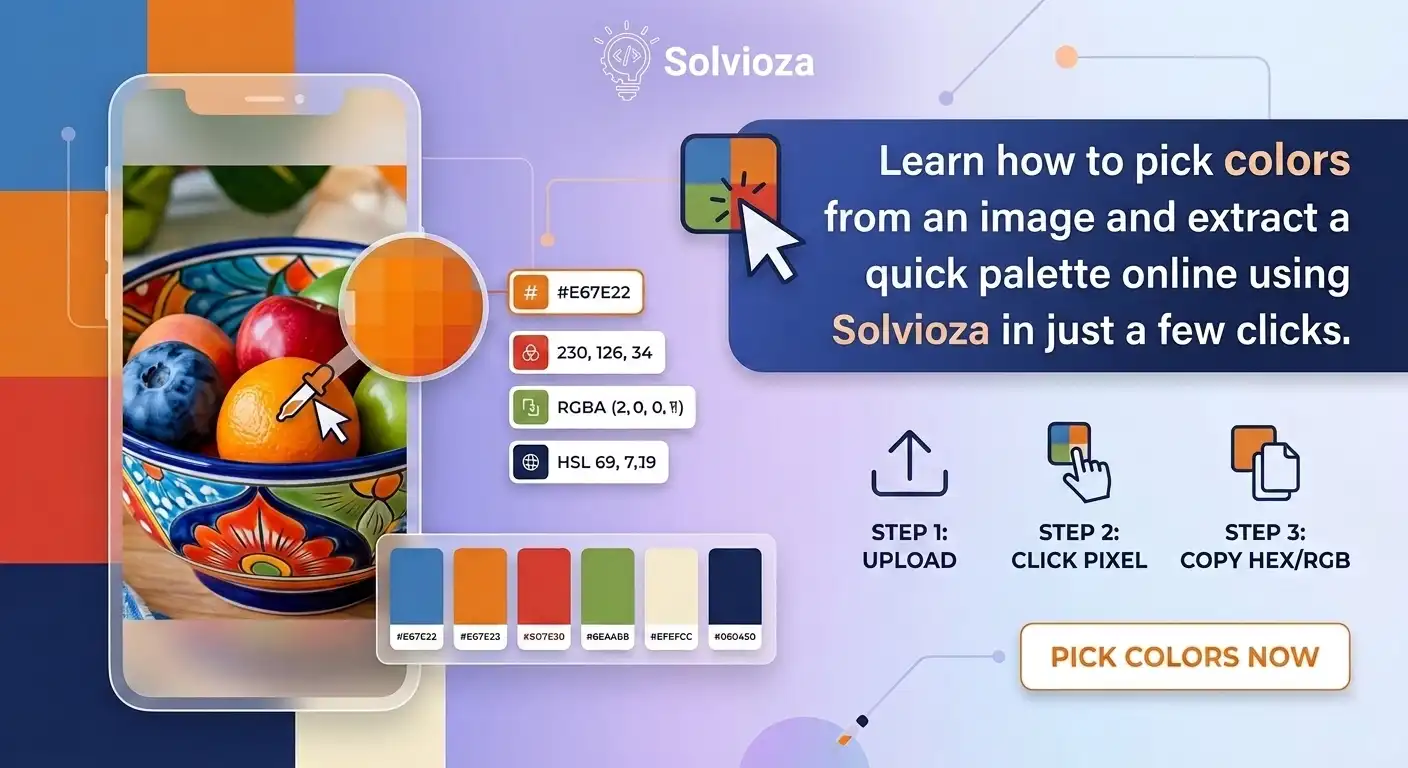
If your starting color comes from an existing design, sample it with the Screen Color Picker or extract it from an uploaded file with the Image Color Picker. When you know the HEX code but need a familiar label, check it with the Color Name Finder.
- For web design: create primary, secondary, background, border, surface, and accent colors for landing pages, portfolios, blogs, SaaS websites, and marketing pages.
- For UI and app design: generate interface palettes for buttons, cards, dashboards, navigation, charts, badges, empty states, and interactive components.
- For branding: explore color systems around a logo color, product color, campaign color, or brand accent while keeping key colors locked.
- For developers: export clean CSS variables, SCSS variables, JSON data, and Tailwind-like palette objects for faster implementation.
Color Harmony Modes Explained
Compare each harmony method and choose one that fits the mood, contrast, and number of roles required by your design.
| Palette Type | Best For |
|---|---|
| Monochromatic | Clean interfaces, subtle sections, professional layouts, and designs based on one main color. |
| Analogous | Soft, natural palettes with nearby hues that feel smooth and harmonious. |
| Complementary | High contrast designs where an accent color needs to stand out clearly. |
| Split Complementary | Balanced contrast with more flexibility than a direct complementary palette. |
| Triadic, Tetradic, and Square | More expressive palettes for illustrations, charts, campaigns, and colorful brand systems. |
| Shades, Tints, and Tones | Building lighter, darker, muted, or neutral variations from a base color. |
How to Generate a Color Palette Online
- Choose a base color. Use the color picker, enter a HEX value, type RGB values, type HSL values, or start with one of the preset color chips. If necessary, convert values with the HEX to RGB Converter or RGB to HSL Converter; the color conversion guide explains the formats.
- Select a palette type. Try analogous for smooth palettes, complementary for contrast, monochromatic for a refined look, or random when you want quick inspiration.
- Adjust the palette size. Use the slider to create a small 3-color palette or a larger palette with up to 12 colors.
- Lock colors you want to keep. Locked colors stay stable when you generate or shuffle, which is useful for brand colors and approved accents.
- Review color details. Click a color to inspect HEX, RGB, HSL, HSV, luminance, black contrast, white contrast, and the nearest basic color name.
- Copy or export. Copy individual color values, copy all HEX values, copy CSS variables, or download JSON, CSS, SCSS, TXT, and PNG files.
Check Color Contrast and Readability
A beautiful palette still needs to be readable. That is why the tool calculates contrast against black and white text for each color. It helps you quickly decide whether dark text or light text is a better match for a button, card, badge, banner, or section background.
The contrast values are useful when designing interfaces, call-to-action buttons, pricing cards, dashboards, forms, status labels, and content sections. They do not replace a full accessibility audit, but they give you a faster way to avoid obvious readability problems while exploring colors. Verify final foreground and background pairs with the Color Contrast Checker, then use the WCAG contrast guide to understand AA and AAA results.
Export Options for Designers and Developers
CSS Variables
Copy or download a ready-to-use :root block with variables like --color-1, --color-2, and --color-3.
Tailwind-Style Object
Copy a simple object-style palette that can be adapted for Tailwind CSS configuration or design token workflows.
JSON, SCSS, and TXT
Download structured palette data for apps, Sass projects, documentation, design handoff, or simple note keeping.
PNG Palette Image
Save a visual palette image with color labels for mood boards, presentations, client review, and sharing with teammates. To turn two or more palette colors into a CSS background, continue with the CSS Gradient Generator and the CSS gradient guide.
Private, Fast, and Browser-Based
The Color Palette Generator is designed to be fast and private. Palette generation, color editing, favorites, recent colors, copy actions, and downloads happen in your browser. There is no need to upload a file, create an account, or send your color choices to an external service.
Favorites and recent colors are stored locally in your browser so you can return to useful colors during the same workflow. If you clear browser storage or use a different browser, those saved colors may not appear there.
Tips for Creating Better Color Palettes
- Start with one strong base color, then use tints and shades to create supporting interface colors.
- Use complementary or split complementary palettes when you need a clear accent color for buttons or highlights.
- Use monochromatic palettes for calm, professional layouts where the content should stay in focus.
- Lock your brand color before experimenting, so the rest of the palette changes around it.
- Check contrast before using a color behind text, especially for buttons, labels, cards, and navigation elements.