Convert RGB Colors to CMYK Online
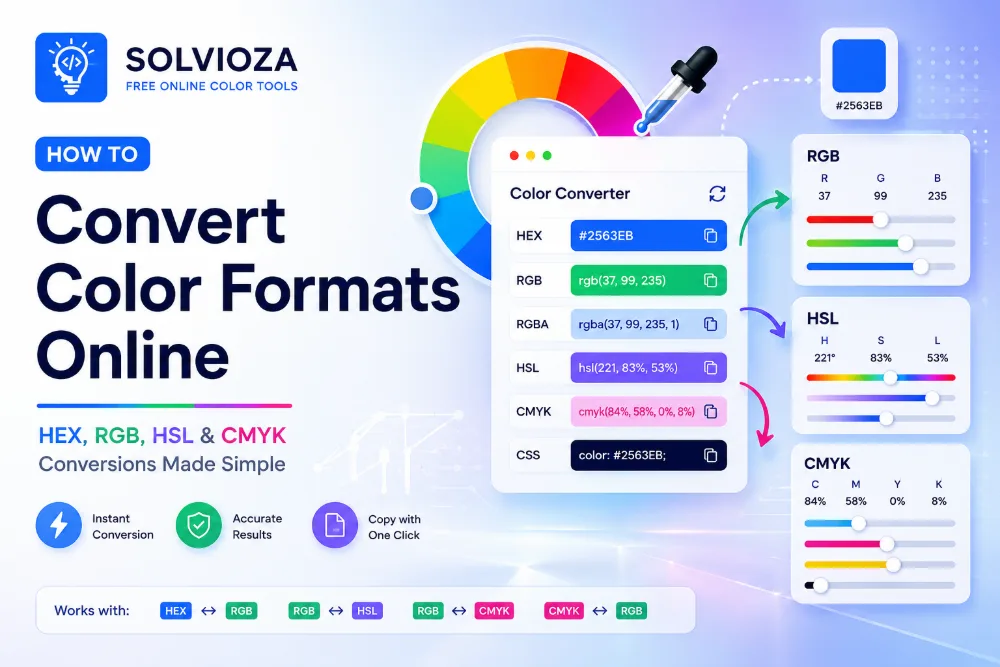
RGB to CMYK Color Converter by Solvioza helps you convert RGB colors into CMYK percentages instantly. You can also enter CMYK values and convert them back to RGB, making it useful for design handoff, print preparation, and digital-to-print color workflows. For a broader overview, read the online color conversion guide.
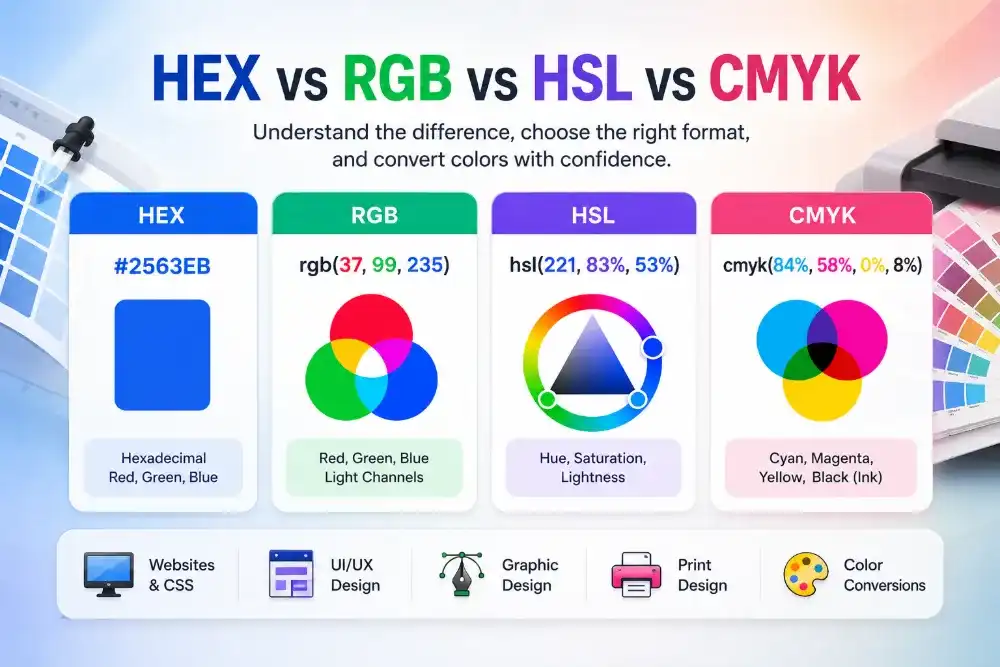
RGB is commonly used for screens, websites, apps, and digital interfaces. CMYK is commonly used in print workflows because it describes color using cyan, magenta, yellow, and black ink percentages.
The tool runs directly in your browser and updates values instantly. You can select a color visually, edit RGB or CMYK fields manually, copy formatted values, and reuse recent colors during your workflow.
What You Can Do with This RGB to CMYK Converter
Convert RGB to CMYK
Turn RGB values like rgb(160, 19, 236) into CMYK percentages for print-oriented workflows.
Convert CMYK to RGB
Enter cyan, magenta, yellow, and black percentages to get the closest matching RGB screen color.
Compare Screen and Print Values
See how a digital RGB color translates into CMYK values for design reviews, print discussions, and handoff notes.
Copy Color Values Quickly
Copy formatted RGB, CMYK, plain RGB, and plain CMYK values for CSS, design documents, and production notes.
RGB and CMYK Explained
Compare the light-based RGB model used on screens with the ink-based CMYK model used for print planning. The color format comparison explains the difference in more detail.
| Format | Example | Best For |
|---|---|---|
| RGB | rgb(160, 19, 236) |
Digital screens, websites, apps, UI design, and CSS colors. |
| CMYK | cmyk(32%, 92%, 0%, 7%) |
Print-oriented workflows, design handoff, and ink percentage references. |
How RGB to CMYK Conversion Works
RGB describes color with red, green, and blue light values from 0 to 255. CMYK describes color using cyan, magenta, yellow, and black percentages. When converting RGB to CMYK, the RGB values are normalized, then translated into ink-style percentages.
A pure black RGB color, such as rgb(0, 0, 0), becomes cmyk(0%, 0%, 0%, 100%). Other colors are calculated based on how much cyan, magenta, yellow, and black would be needed to approximate the screen color.
Because RGB and CMYK are based on different color models, a converted value should be treated as a practical reference, not a guaranteed final print match. Actual printed color can vary by printer, paper, ink, and color profile.
How to Convert RGB to CMYK Online
- Enter RGB values. Type red, green, and blue values from 0 to 255.
- Or enter CMYK values. Type cyan, magenta, yellow, and black percentages from 0 to 100.
- Select a color visually. Use the Select Color button, sample anything visible with the Screen Color Picker, or extract a reference color from an uploaded file with the Image Color Picker.
- Review the live preview. The selected color updates instantly as values change.
- Copy the result. Copy RGB, CMYK, plain RGB, or plain CMYK values for design and production use.
Common Uses for RGB and CMYK Colors
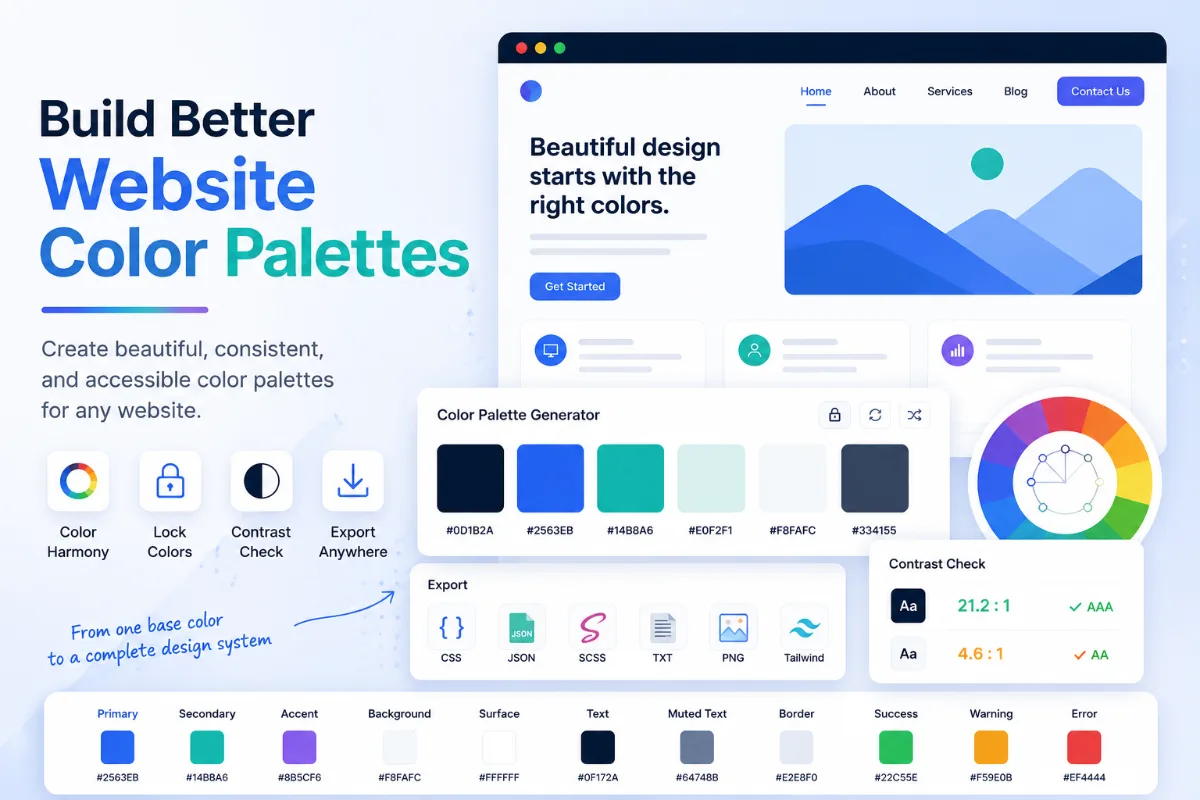
- For design handoff: provide both RGB and CMYK values when a color may be used in digital and print materials. Organize supporting brand colors with the Color Palette Generator and use the color palette guide when documenting digital roles.
- For print planning: estimate CMYK percentages before discussing final color setup with a printer or production team.
- For HEX workflows: if your starting color is a HEX code, first use the HEX to RGB Color Converter, then convert the RGB value to CMYK.
- For UI color adjustment: if you need hue, saturation, and lightness controls for screen colors, use the RGB to HSL Color Converter.
RGB to CMYK Print Accuracy Limitations
RGB to CMYK conversion is useful for estimating print color values, but it does not replace professional color management. Digital screens emit light, while printed materials reflect light through ink and paper. Because of this, some bright RGB colors cannot be reproduced exactly in CMYK.
For final print production, always confirm colors with your printer, design software, ICC color profiles, proof prints, and brand guidelines when accuracy matters.
Private Browser-Based RGB and CMYK Conversion
The RGB to CMYK Color Converter works directly in your browser. Your color values are processed locally, so conversion is fast and private.
Recent colors are available during your current workflow, making it easier to compare and reuse colors without retyping values.