PDF Guides
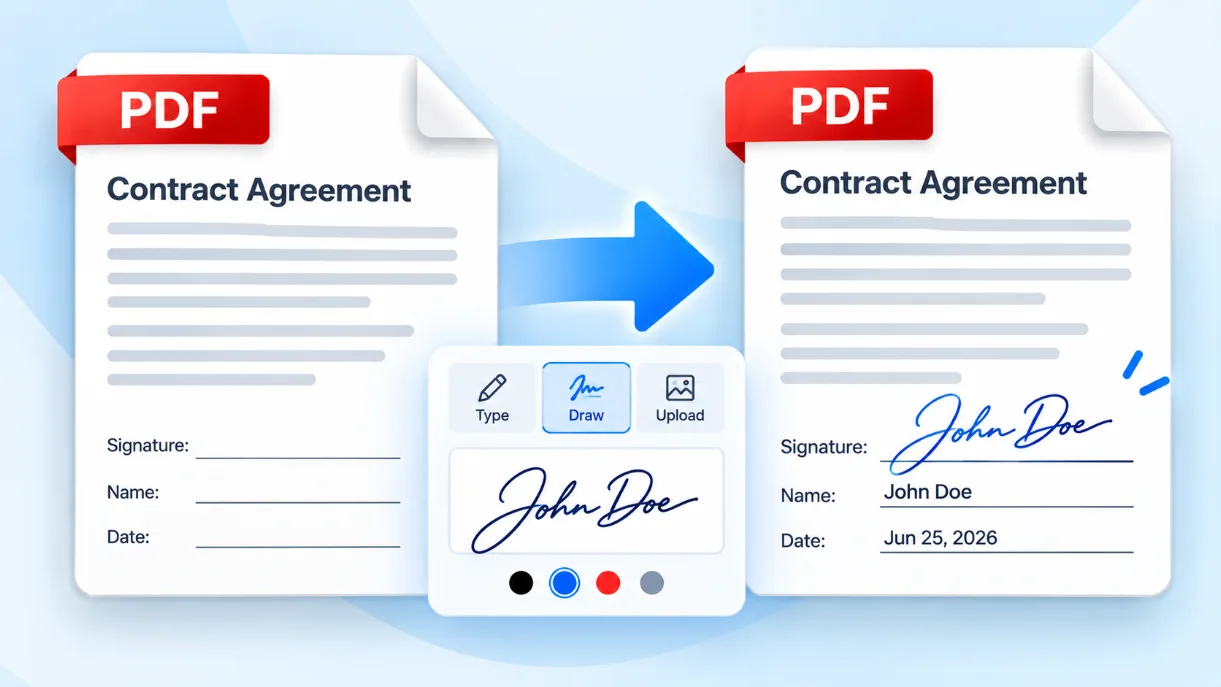
How to Add a Signature to a PDF
Need to sign a PDF without printing it? Learn how to type, draw, or upload your signature, position it correctly, and check the finished document.
Solvioza Team
Oct 5, 2026
Learn from our collection of in-depth guides, tutorials, and best practices
Articles
Readers
Updates
Need to sign a PDF without printing it? Learn how to type, draw, or upload your signature, position it correctly, and check the finished document.
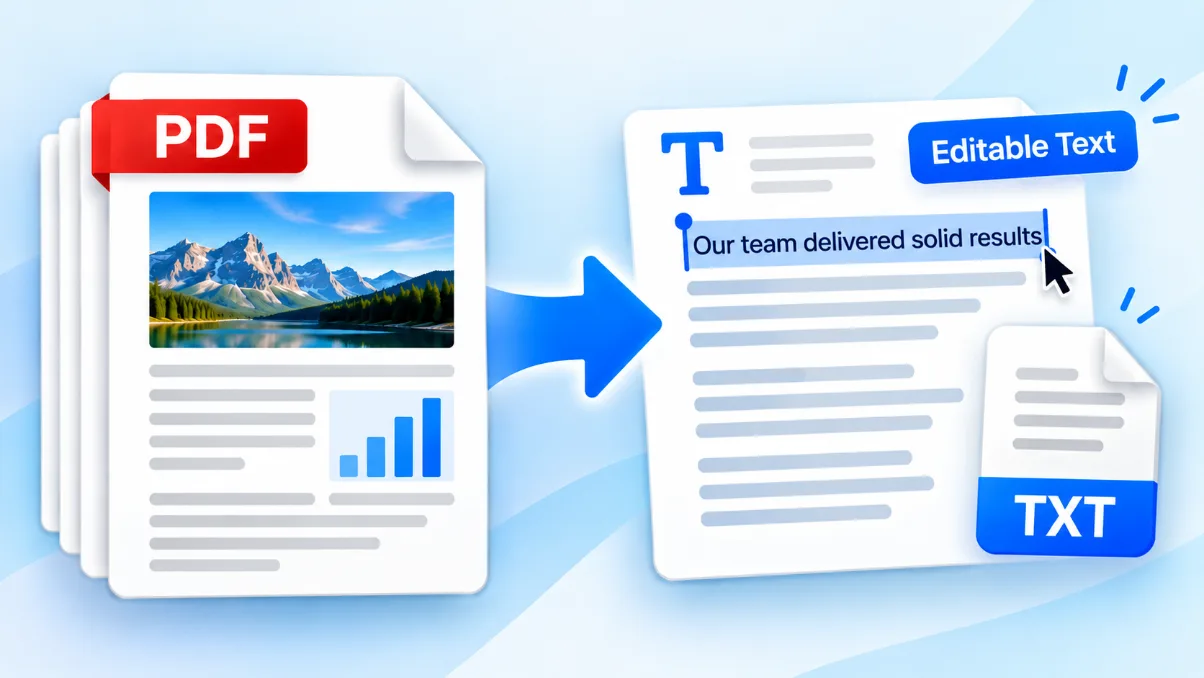
Need the words from a PDF without retyping the document? Learn how to extract selectable text, clean up the result, and recognize when a scanned PDF needs OCR.
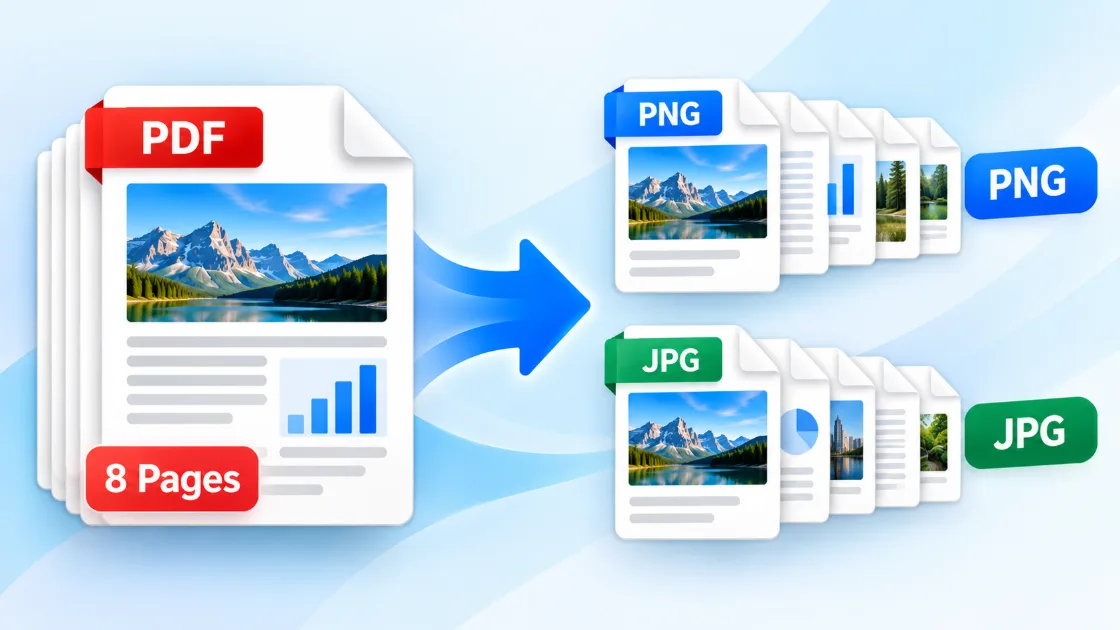
Need a PDF page as an image for a presentation, website, or message? Learn how to convert every page to PNG or JPG and choose settings that keep the result clear.
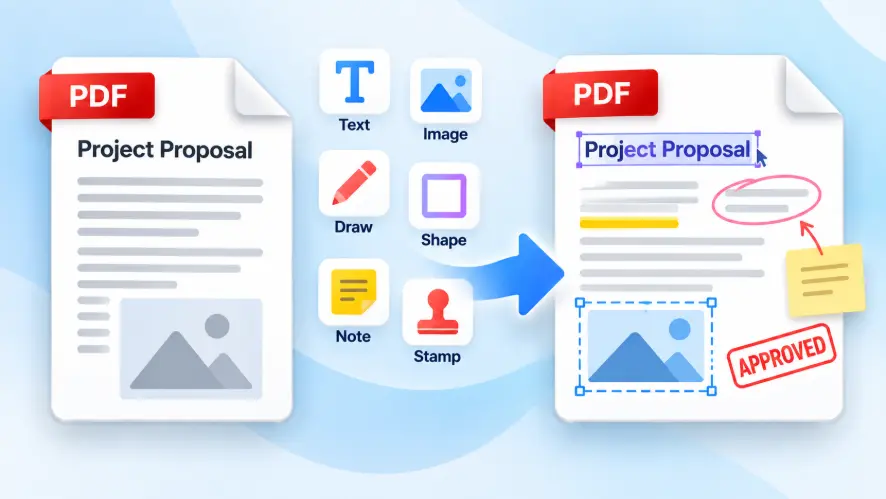
Need to add text, an image, or a visible note to a PDF? Learn what online PDF editing can change and how to create a clean finished copy.
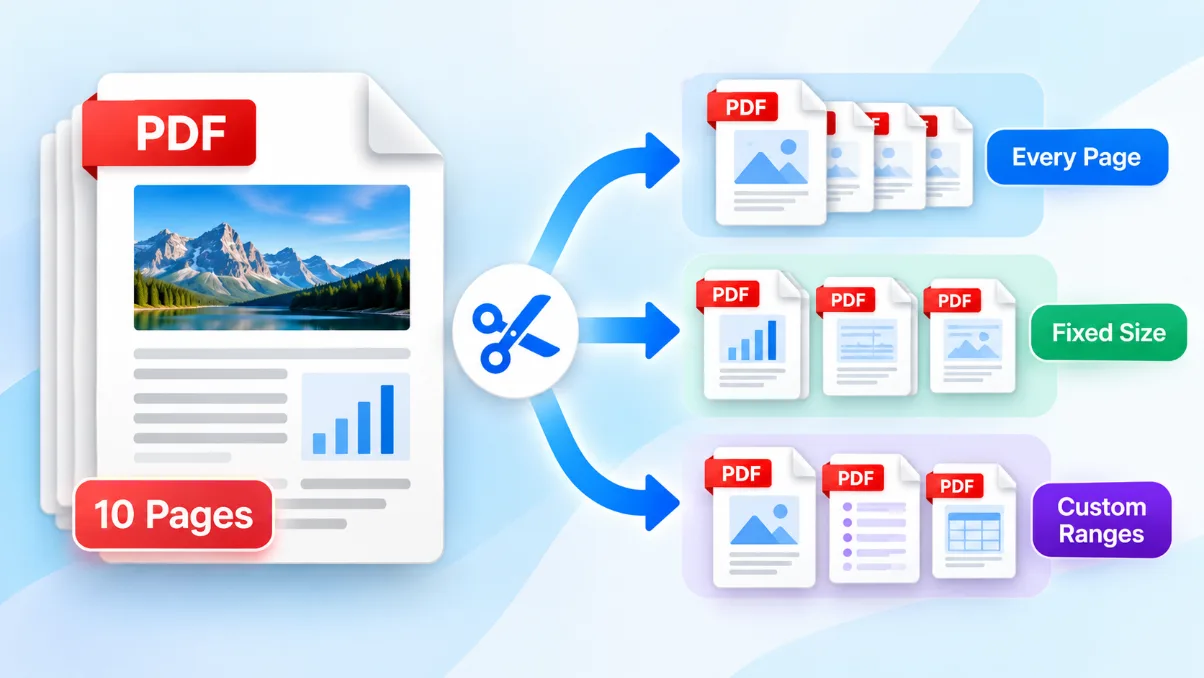
Need only part of a PDF or want every page saved separately? Learn which split mode to choose, how to enter page ranges, and how to check the resulting files.
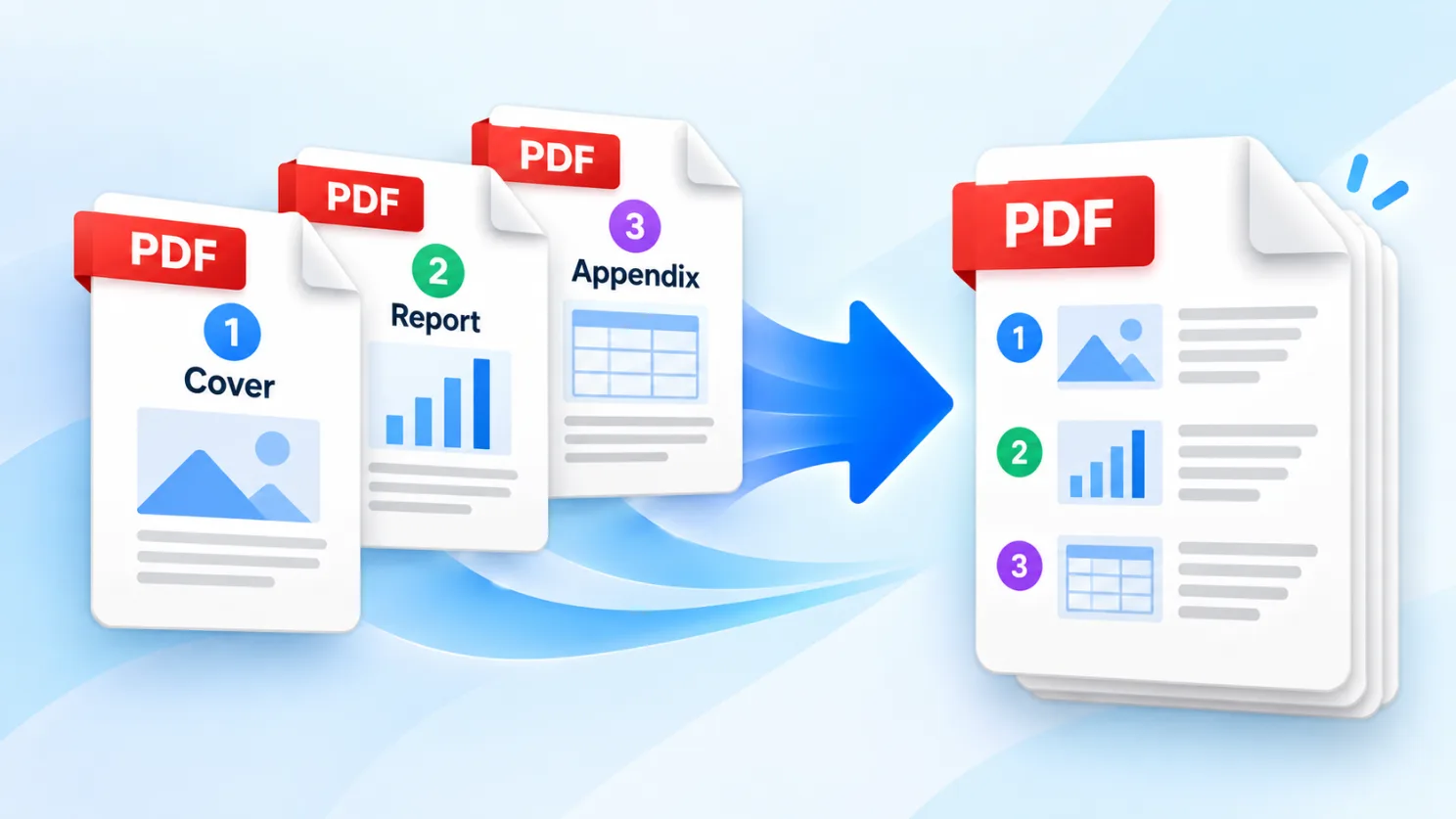
Have several PDFs that belong together? This tutorial shows how to arrange and merge them into one file, choose a clear filename, and verify the result.
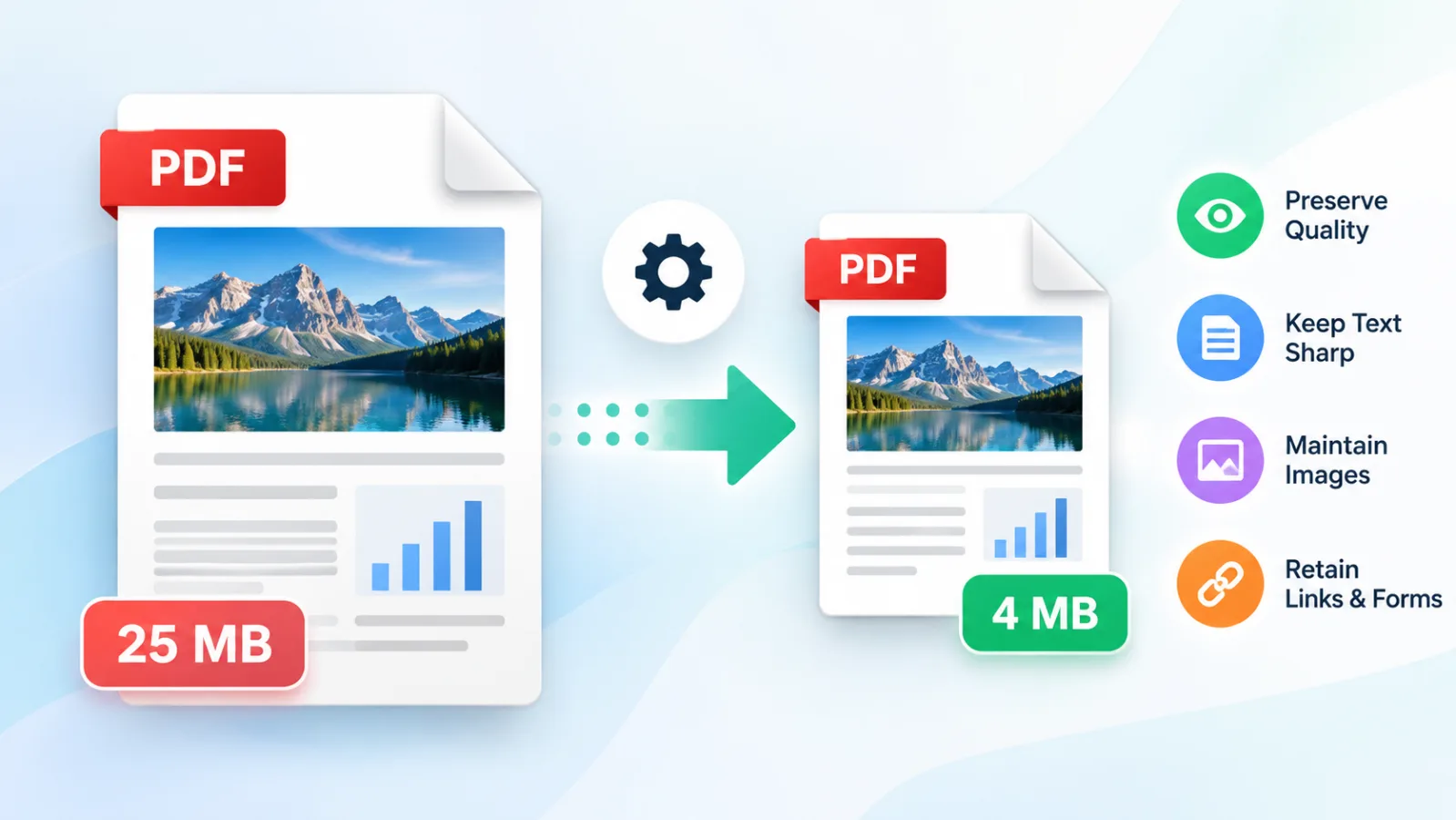
Need a smaller PDF for email or an online form? Learn how compression works, which quality setting to use, and what to check before sharing it.