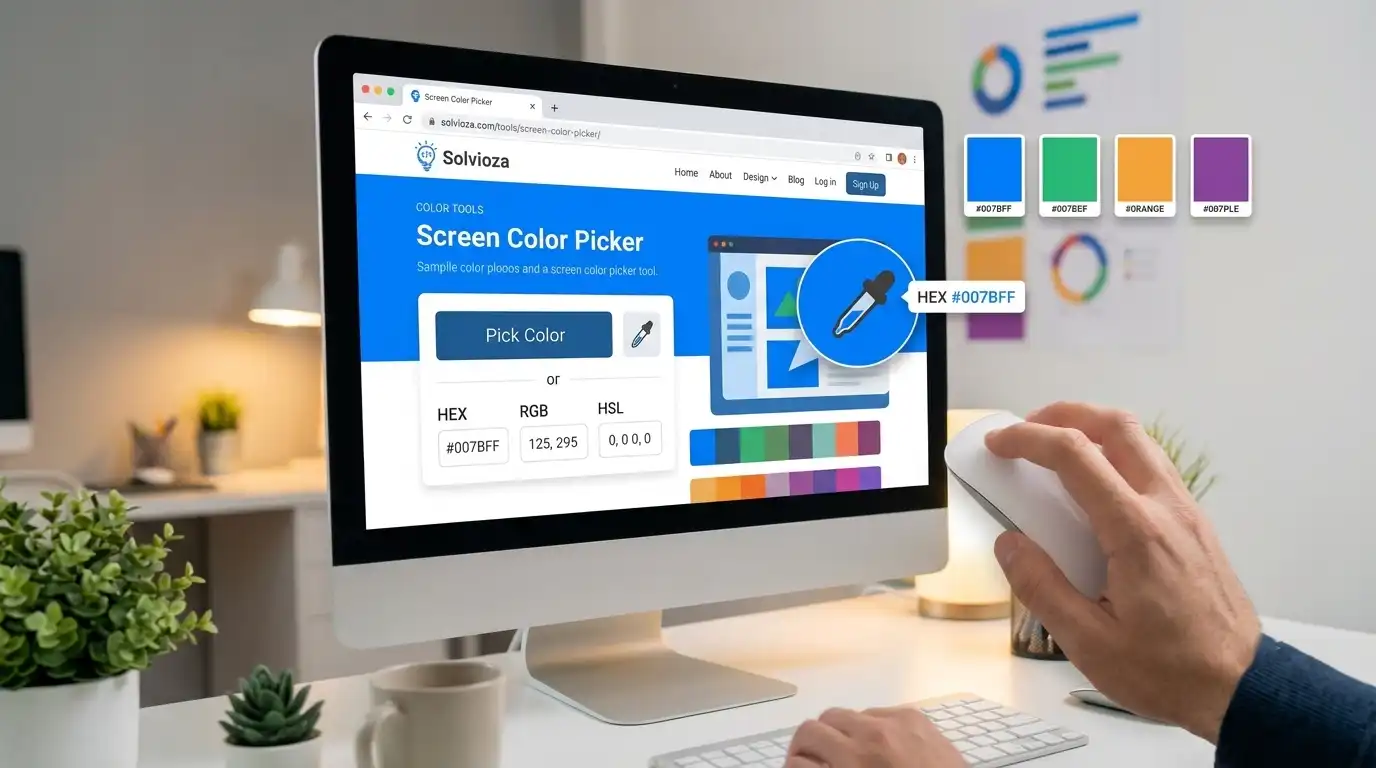
Color Guides
How to Pick Colors from Your Screen Using an Online Color Picker
Need an exact color from a website, app, or design on your screen? This guide shows how to grab it quickly with Solvioza Screen Color Picker.
Solvioza Team
Jul 1, 2026
Learn from our collection of in-depth guides, tutorials, and best practices
Articles
Readers
Updates
Need an exact color from a website, app, or design on your screen? This guide shows how to grab it quickly with Solvioza Screen Color Picker.
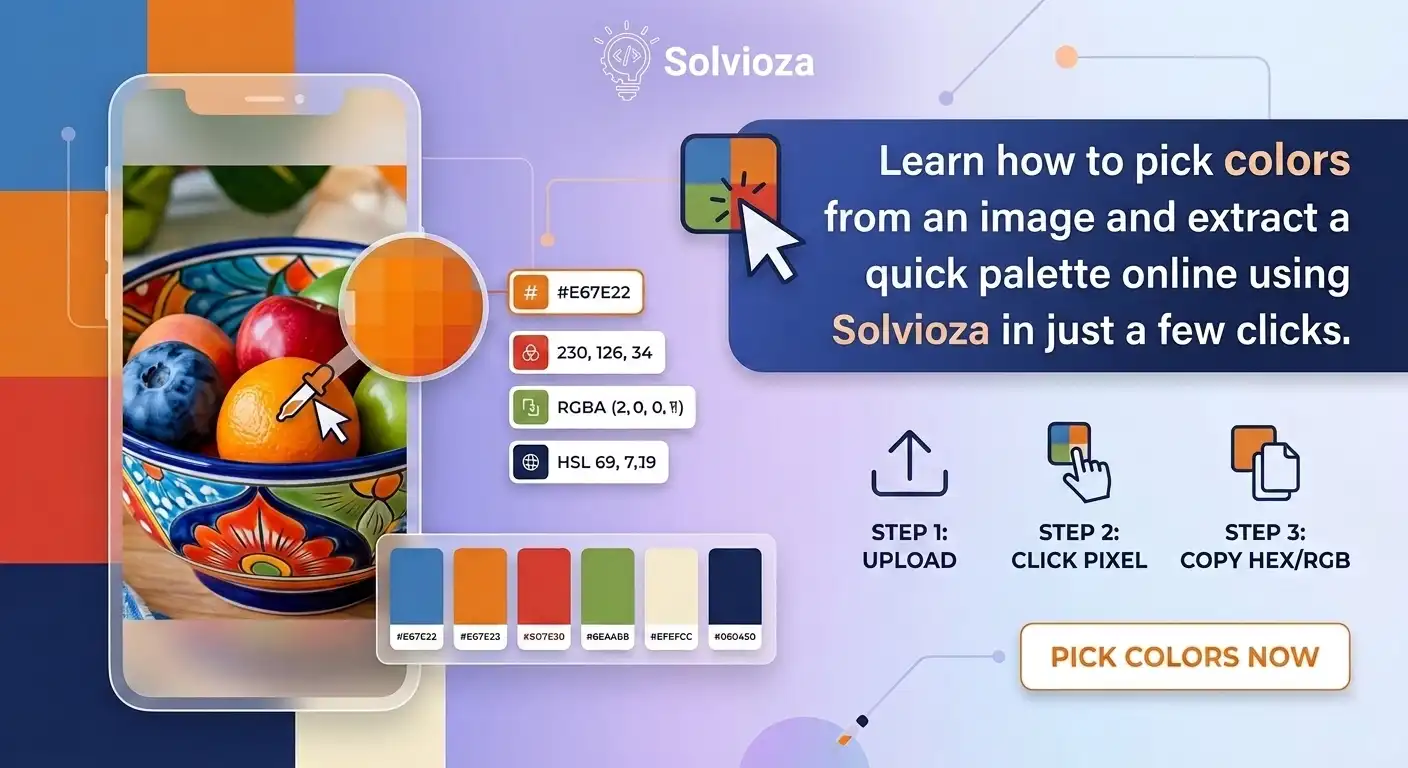
Need to grab a color from an image or build a quick palette from a photo? This guide shows how to do both online with Solvioza.
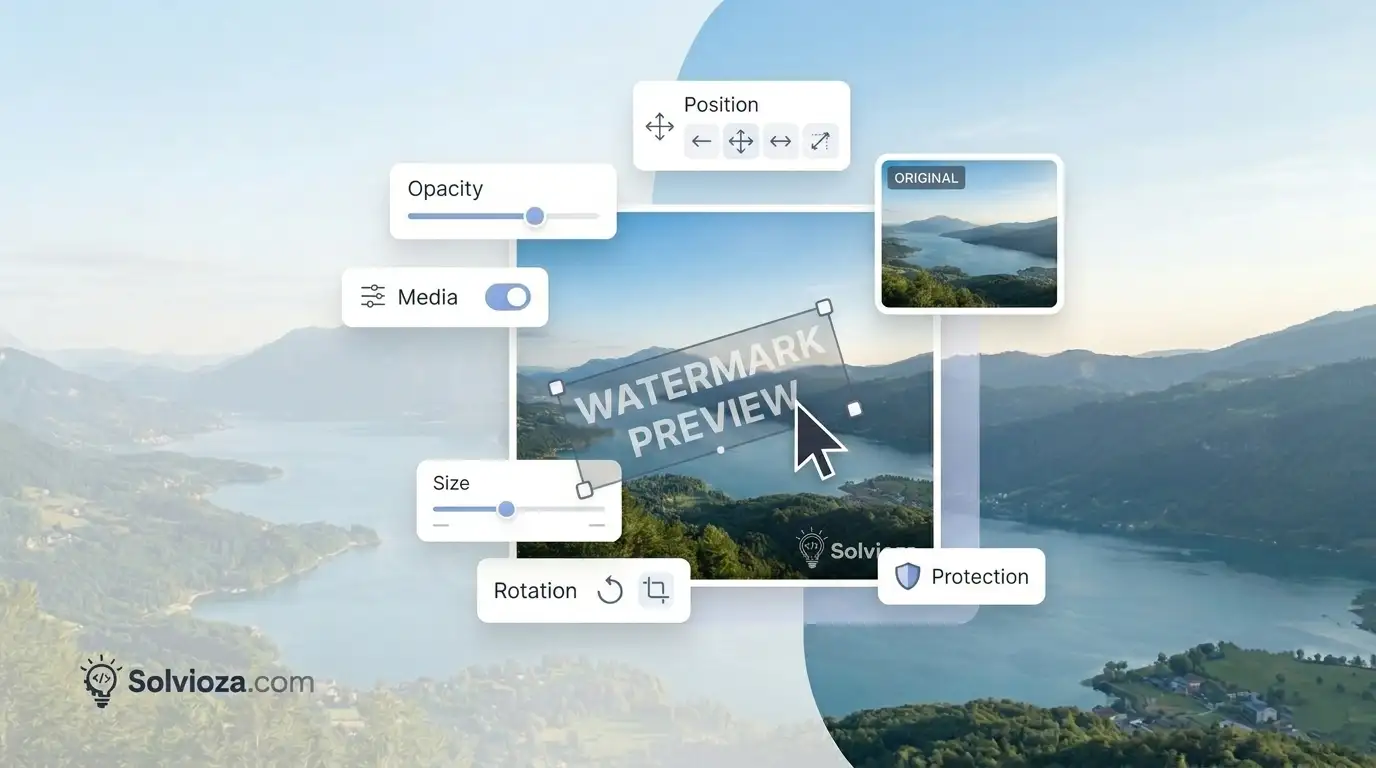
Want to protect your photos or add branding before sharing them? This guide shows how to add a text or logo watermark to an image online using Solvioza.
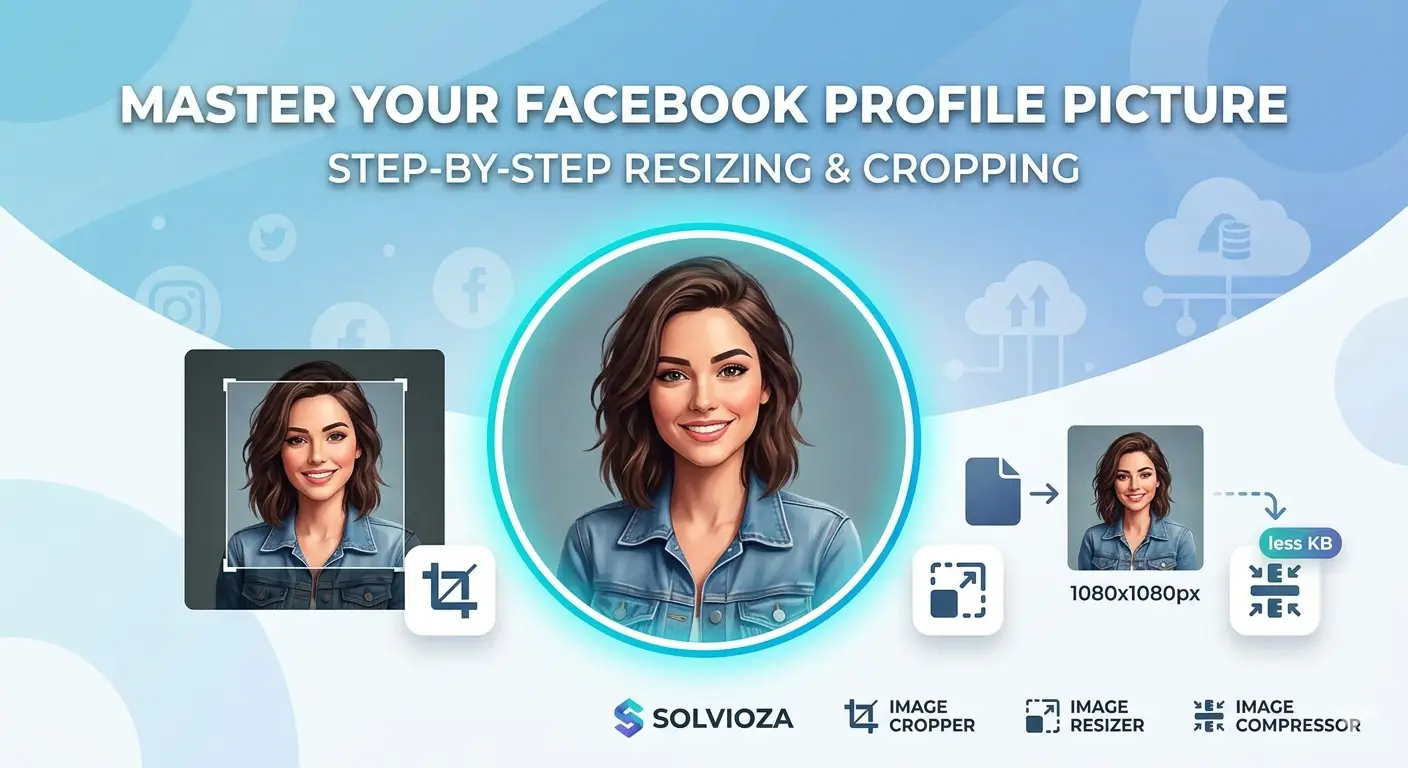
A Facebook profile picture needs the right shape, size, and crop. This guide shows how to resize it perfectly with Solvioza step by step.
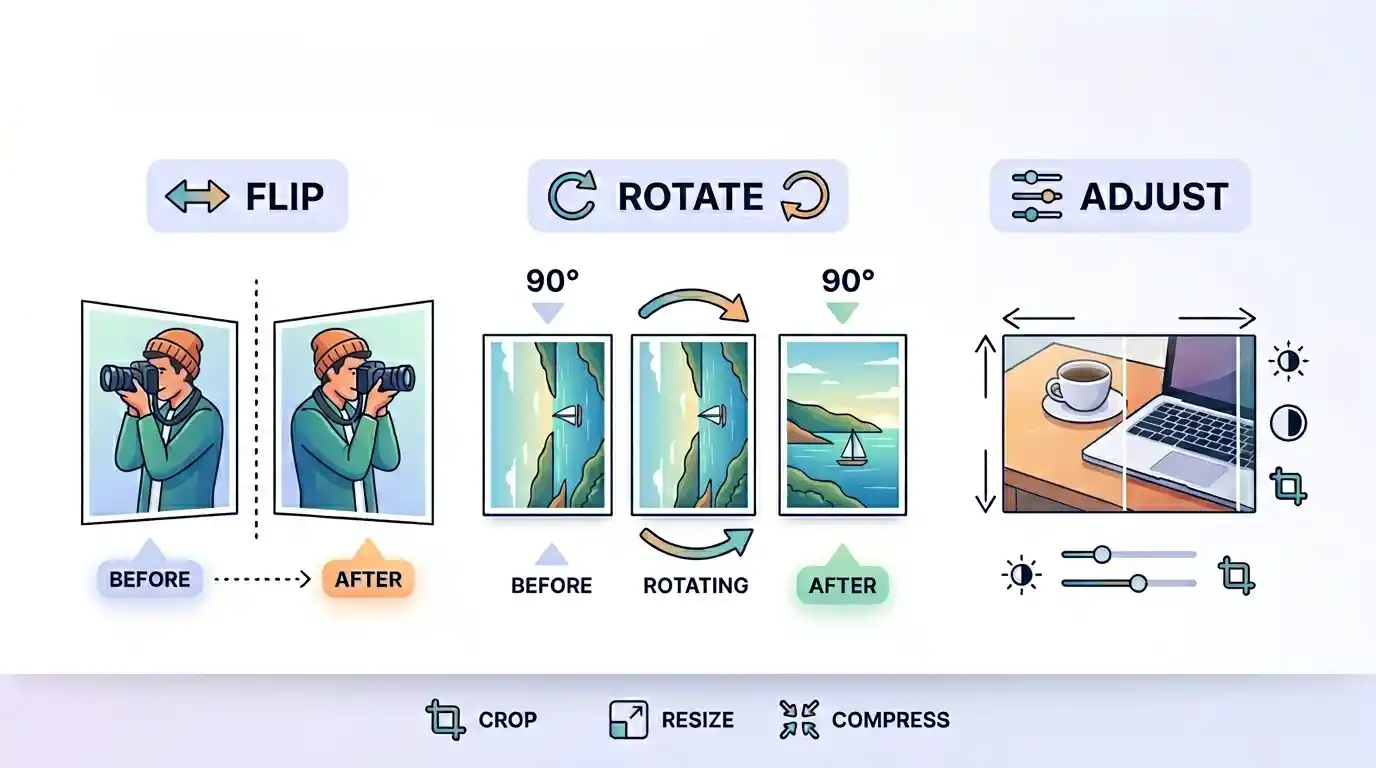
Need to fix a sideways photo or mirror an image? This guide explains when to rotate, when to flip, and how to adjust image orientation online.
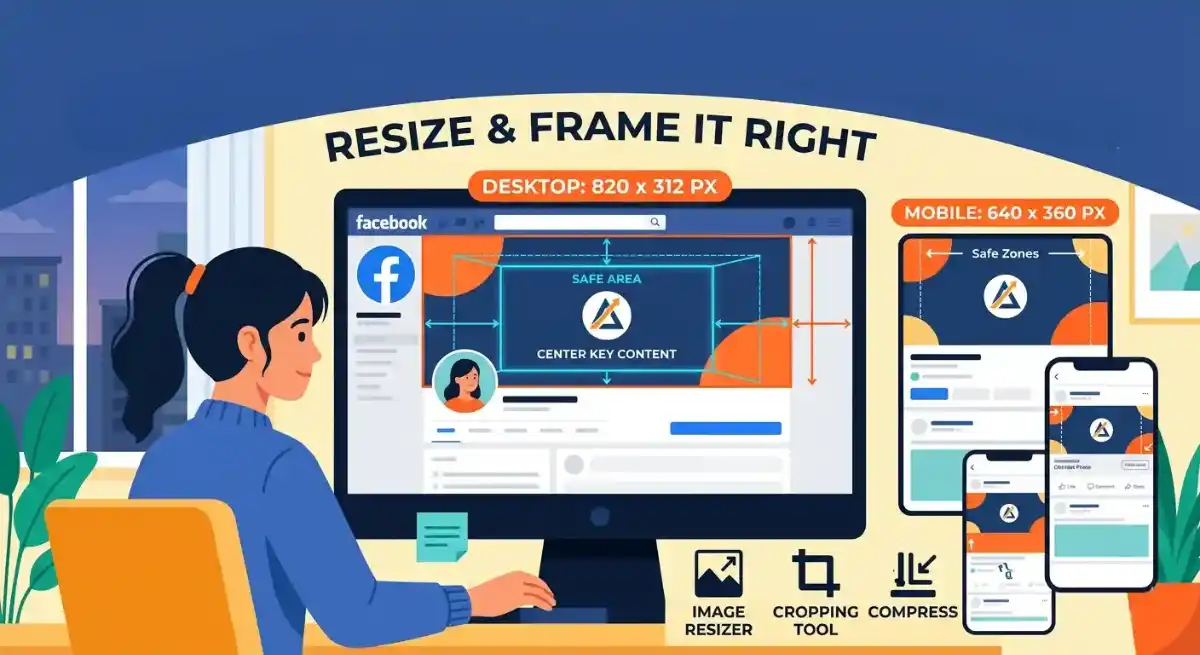
Need a Facebook cover photo that fits properly? This guide explains the right size, safe area, cropping tips, and how to resize your image online.
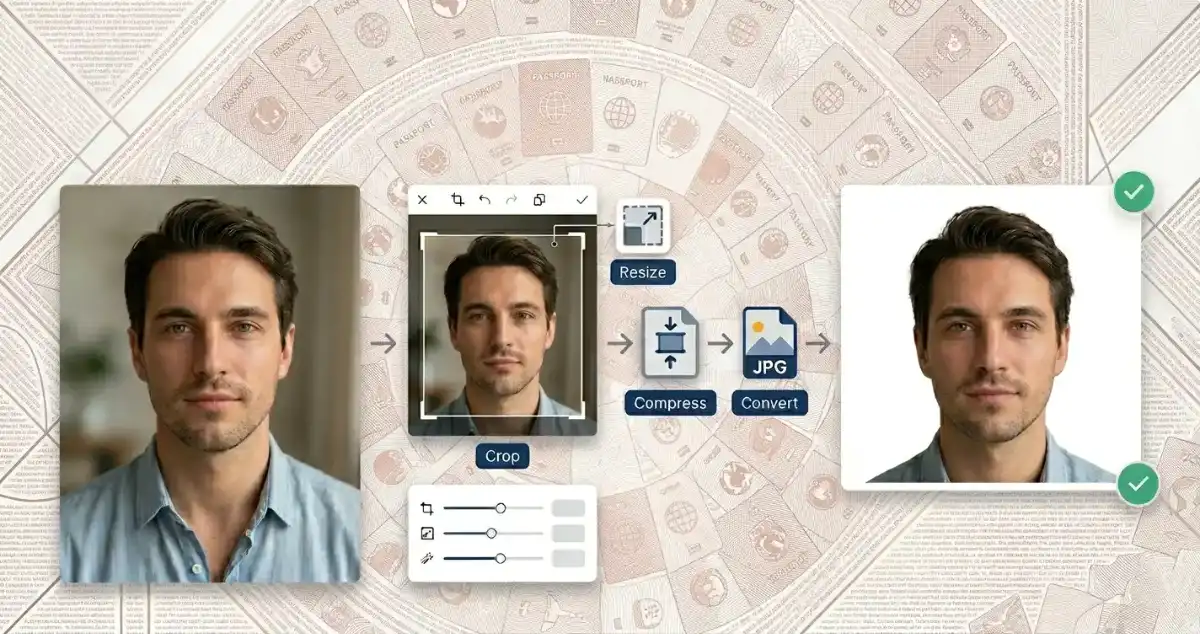
Need a passport size photo from a regular image? This guide explains how to crop, resize, compress, and prepare your photo for online forms.
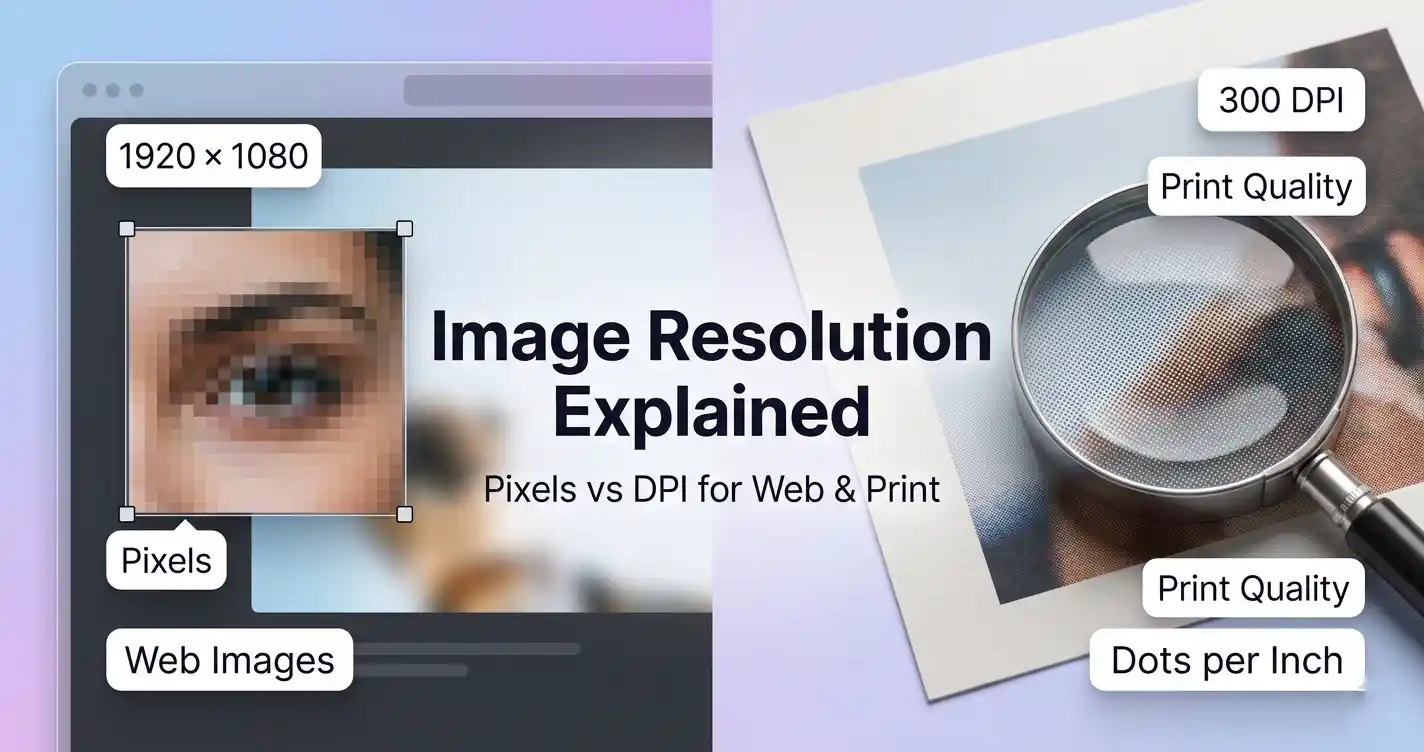
Image resolution can be confusing because people often mix up DPI and pixels. This beginner-friendly guide explains what actually matters for web images, printing, and image quality.
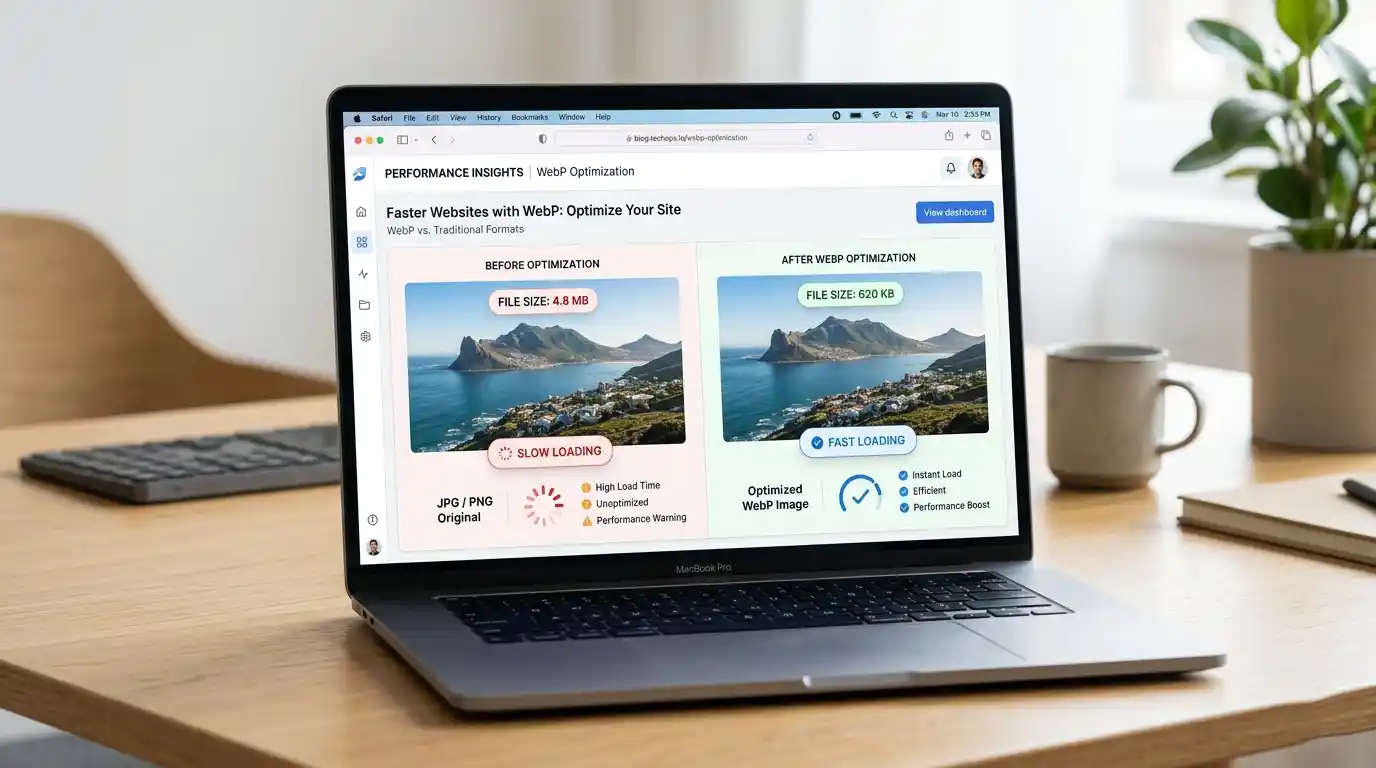
WebP is a modern image format that helps reduce file size while keeping images clear. Here’s why it matters for faster websites and better user experience.