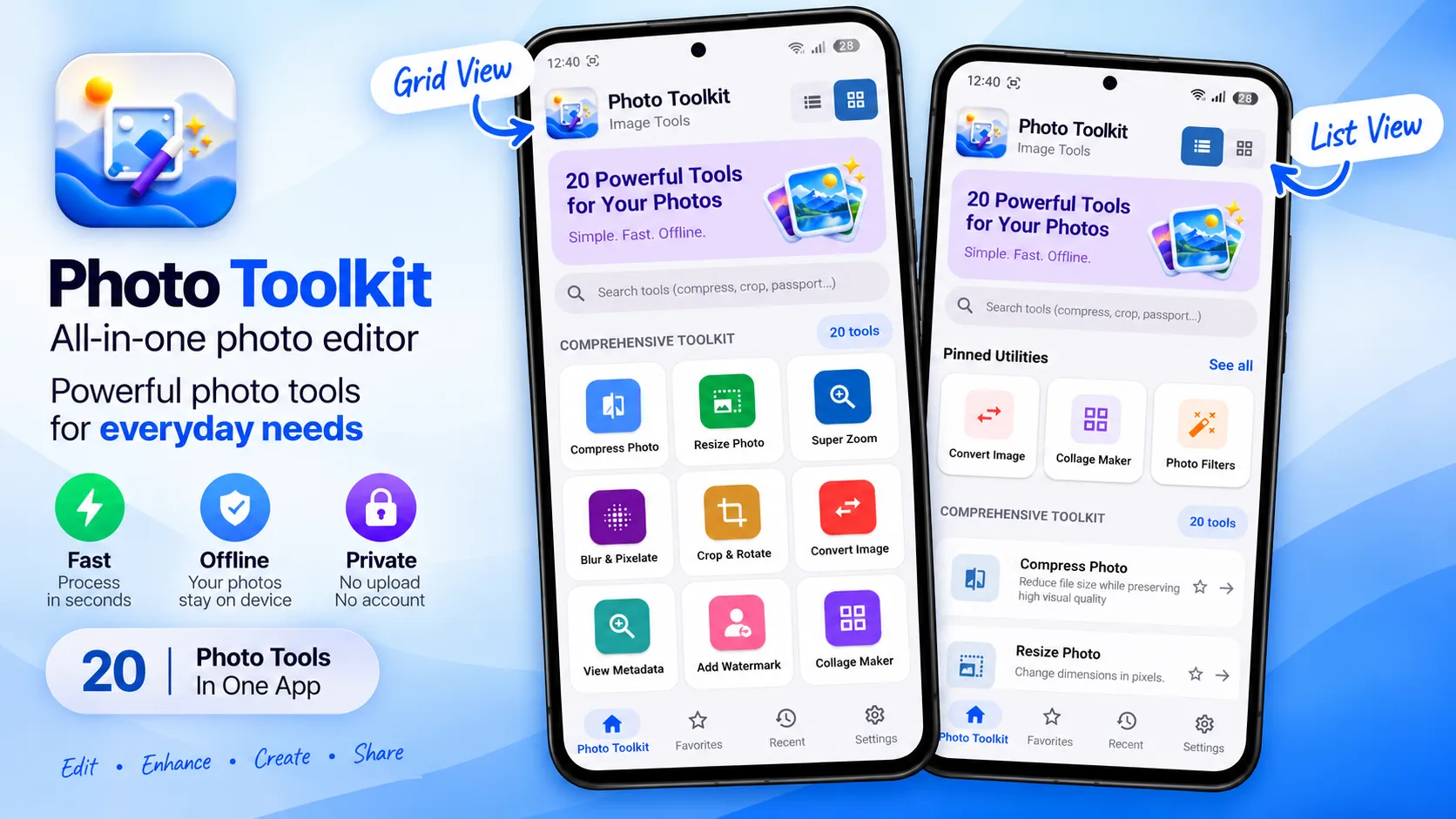
Photo Toolkit is an all-in-one photo editor and image utility app with 20 practical tools for compressing, resizing, converting, cropping, enhancing and organizing images.
Compress photos, resize images for websites and social media, convert JPG, PNG and WebP files, create collages, apply photo filters, blur or pixelate private details, add watermarks, combine screenshots, create passport photo layouts, convert images to PDF and much more—all from one organized Android app.
20 PHOTO AND IMAGE TOOLS
Compress Photo
Reduce image file size while maintaining suitable visual quality. Compress individual photos or process multiple images in batches for easier sharing, uploading and storage.
Resize Photo
Resize images using custom dimensions or helpful presets. Maintain the original aspect ratio and prepare photos for social media, websites, forms and documents.
Super Zoom
Enlarge and crop specific parts of a photo to focus on important details.
Blur & Pixelate
Blur or pixelate selected areas to hide faces, text, numbers and other private or distracting details.
Crop & Rotate
Crop photos freely or use common aspect-ratio presets. Rotate and flip images to create the composition you need.
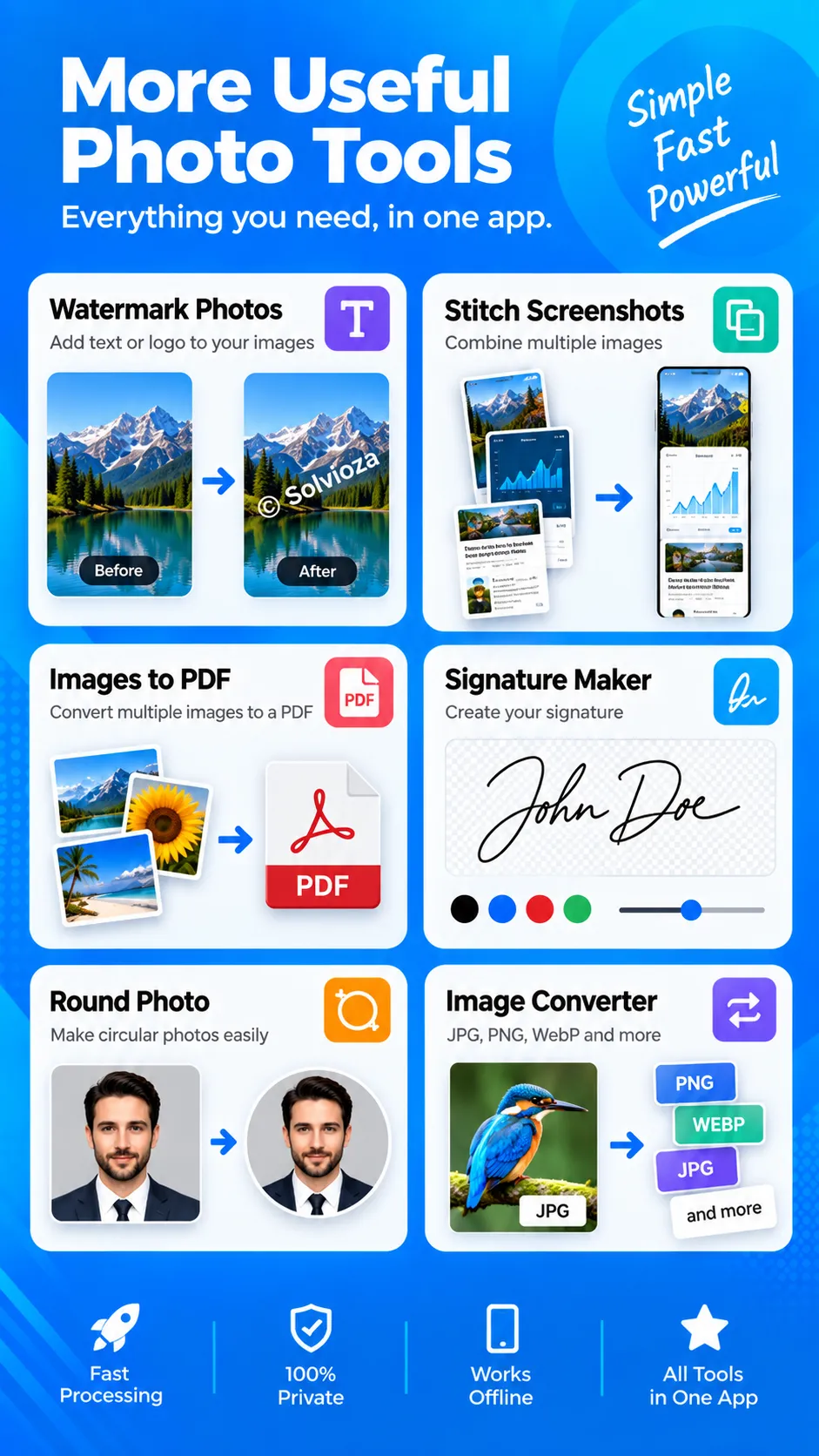
Convert Image
Convert images between popular formats, including JPG, PNG and WebP, for improved compatibility, sharing or storage.
View & Remove Metadata
View available image metadata and remove stored information before sharing your photos.
Add Watermark
Add customizable text or image watermarks. Adjust position, size, rotation, color, opacity and style to protect or brand images.
Stitch Screenshots
Combine multiple screenshots vertically or horizontally into one long image for conversations, web pages, receipts, tutorials and documentation.
Split Image
Divide an image into multiple sections for social posts, layouts and other creative uses.
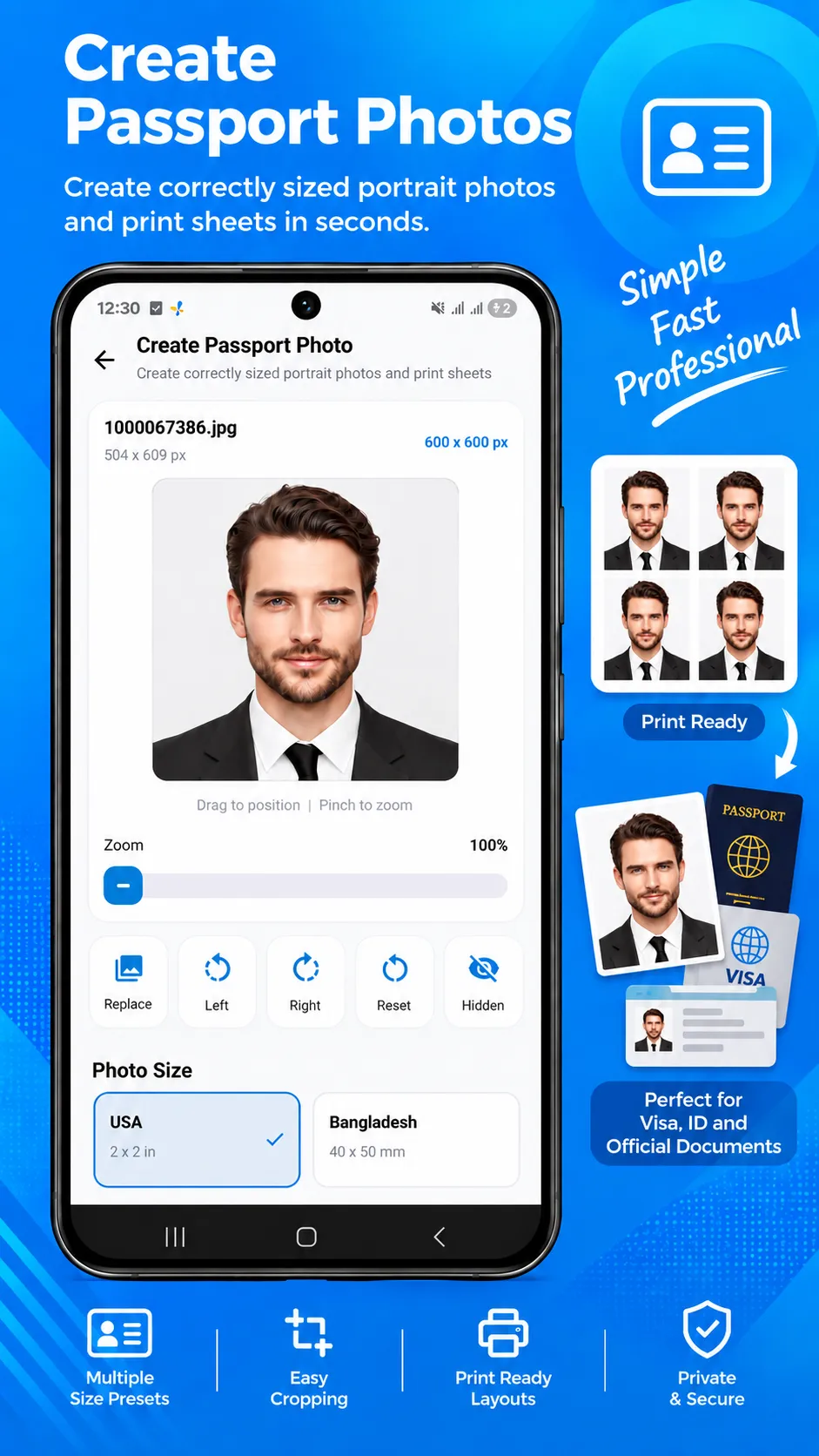
Passport Photo
Create passport-style and ID photo layouts using common photo sizes and printable photo sheets.
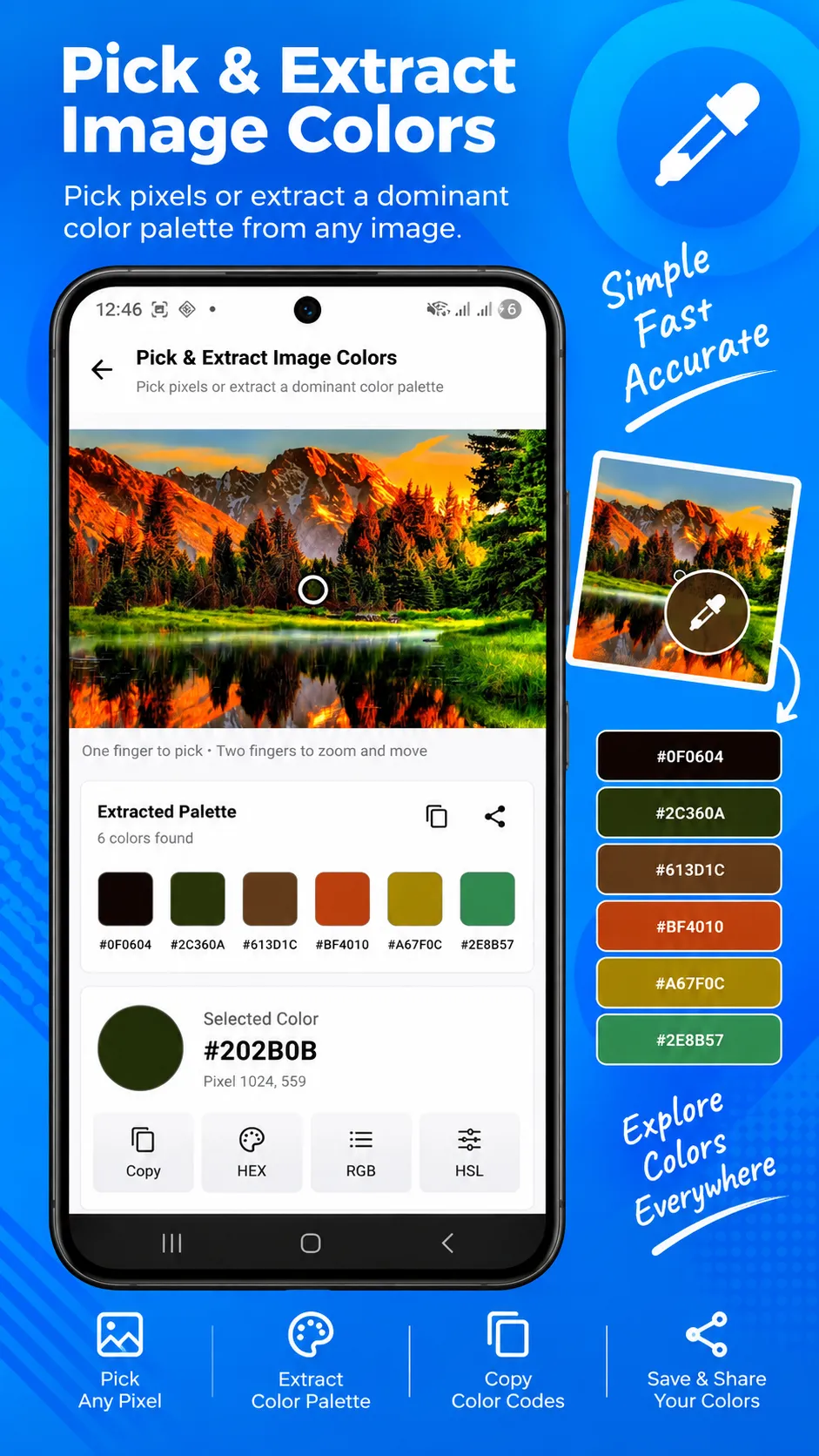
Color Picker
Pick colors from any image and view useful color values for design, branding, development and creative projects.
Signature Maker
Draw, clean, resize and export signatures for forms, applications and documents.
Images to PDF
Combine selected photos and images into a convenient PDF document.
Round Photo
Create circular photos with customizable backgrounds for profiles, contacts and creative designs.
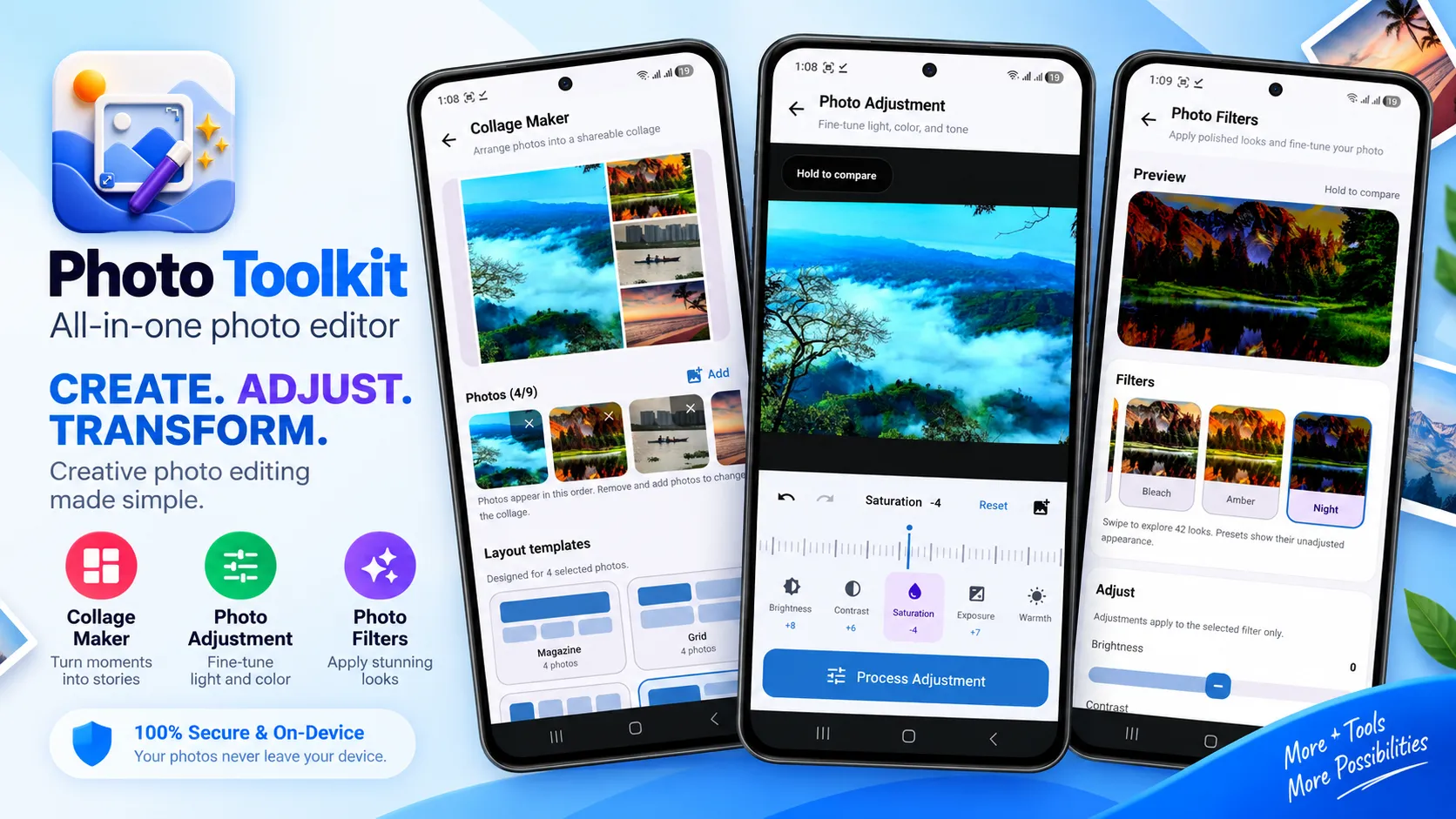
Collage Maker
Combine multiple photos into attractive collage layouts and adjust spacing, corners and backgrounds.
Photo Adjustment
Improve photos by adjusting brightness, contrast, saturation and other visual properties.
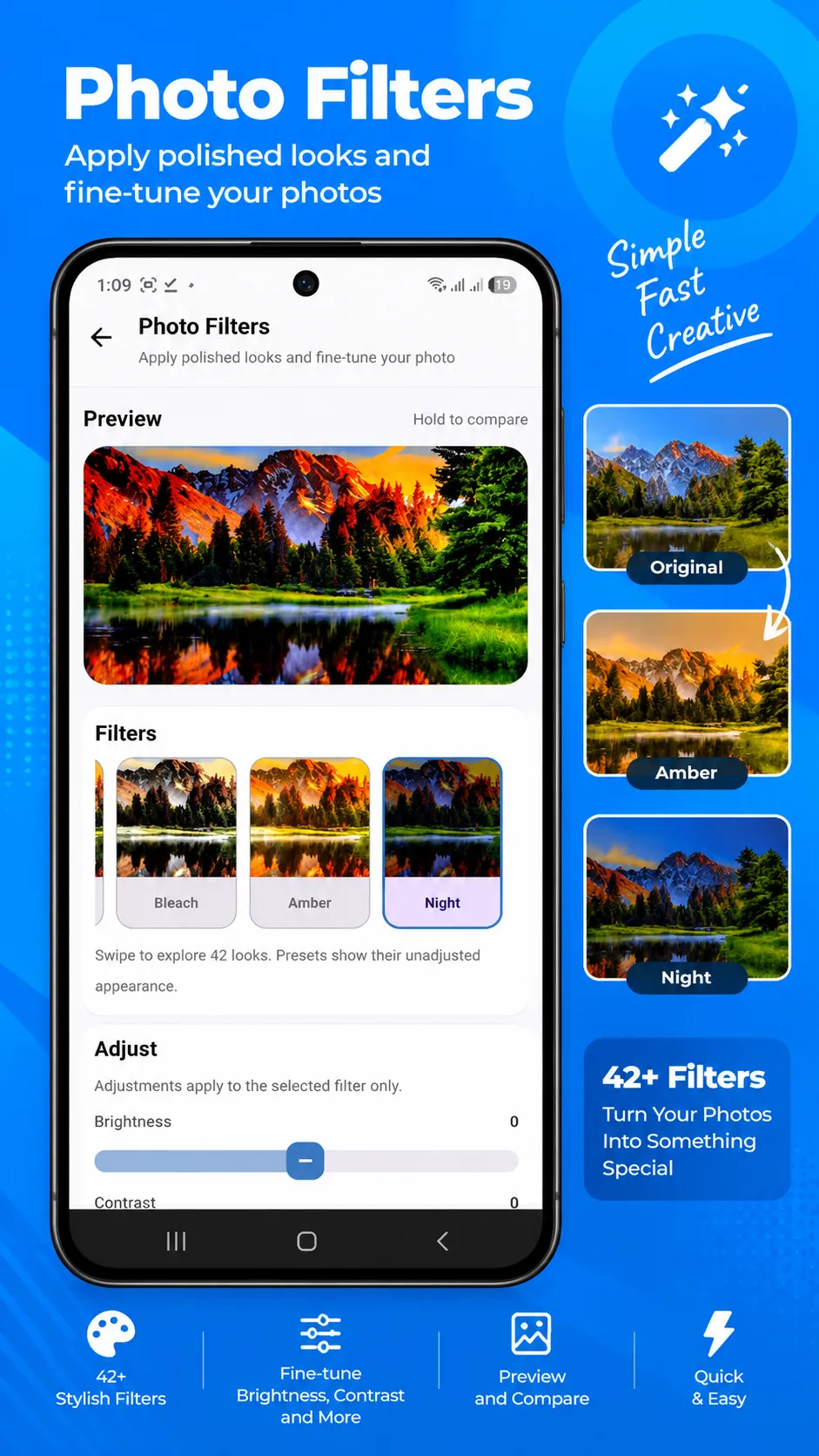
Photo Filters
Apply ready-made filters to quickly change the appearance and mood of your photos.
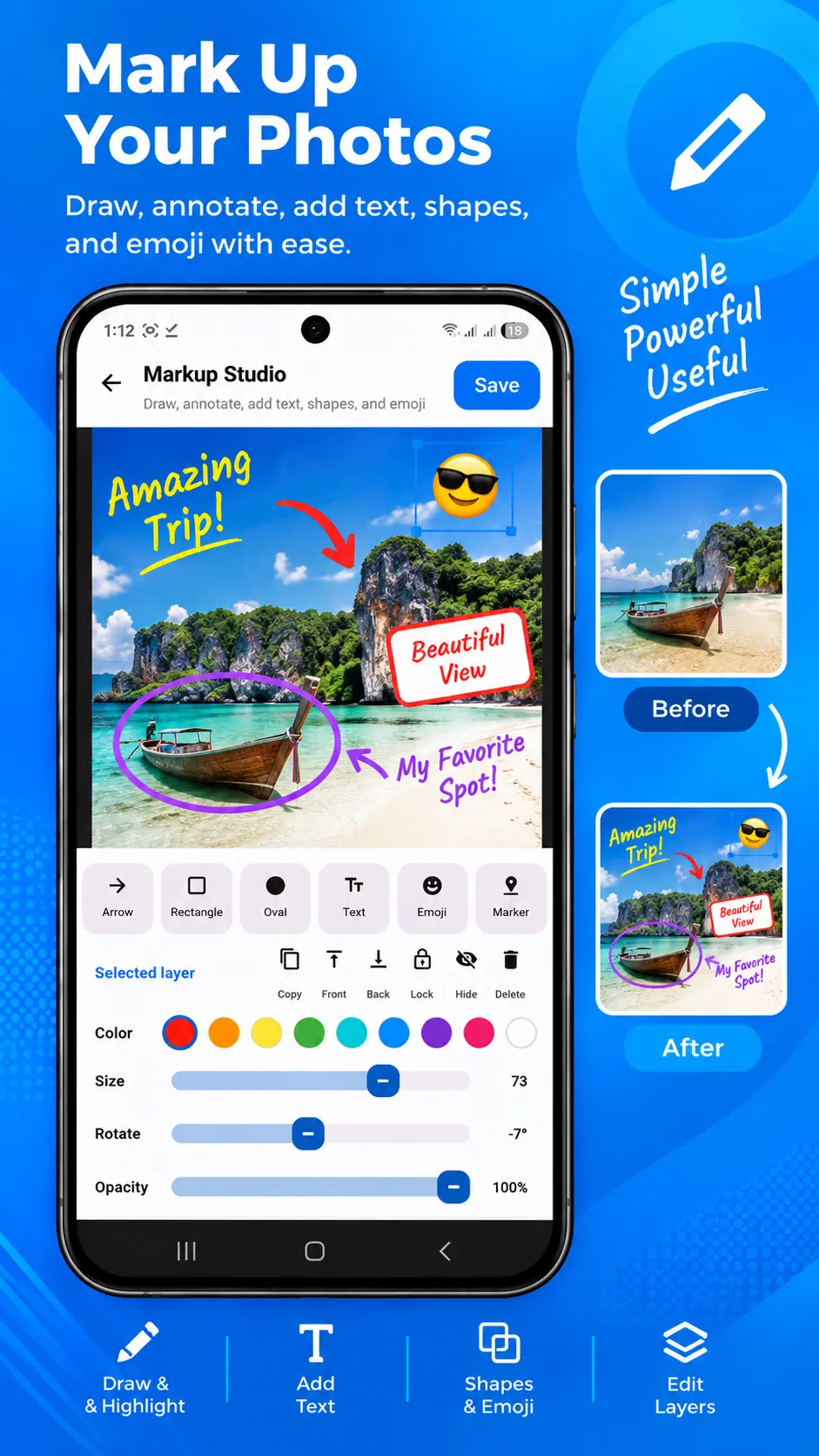
Markup Studio
Annotate images using drawing, text, shapes, arrows and other markup tools.
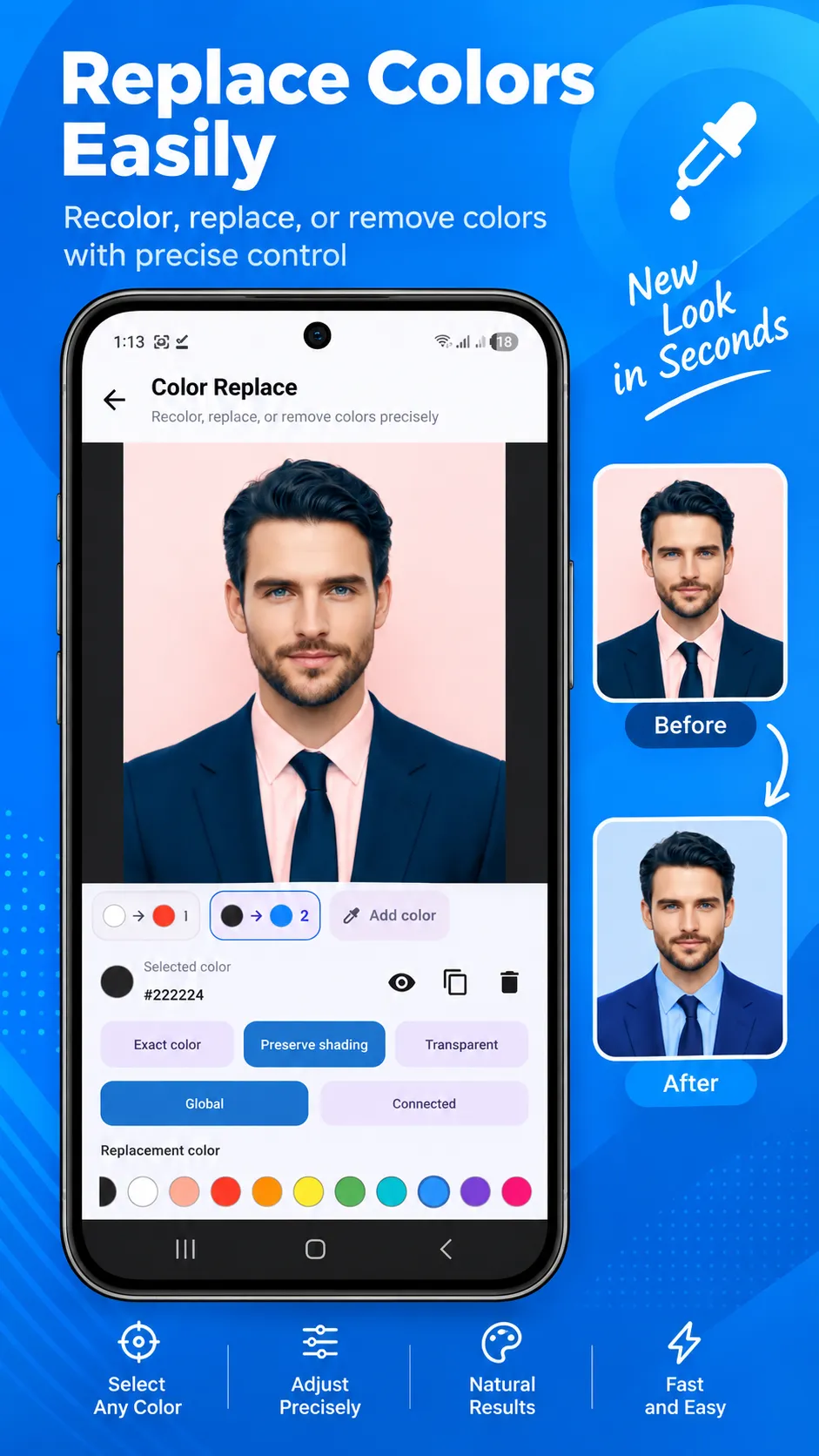
Color Replace
Select and replace colors in an image for quick corrections and creative effects.
BATCH IMAGE PROCESSING
Save time by processing multiple images together in supported tools. Compress, resize, convert or watermark photo batches using consistent settings and export the results efficiently.
PRIVATE, ON-DEVICE PROCESSING
Your selected images are processed locally on your device. Photo Toolkit does not require an account or sign-in, and you do not need to upload personal photos to an external image-processing server.
SIMPLE AND ORGANIZED
- 20 useful photo and image tools
- Clean and modern interface
- Light and dark themes
- Favorite tools for quick access
- Recent activity for a convenient workflow
- Easy saving and sharing
- No account required
- Local image processing
Photo Toolkit is useful for photographers, designers, developers, students, content creators, online sellers, office workers and anyone who regularly works with photos, screenshots, signatures or image files.
Install Photo Toolkit and keep your essential photo-editing and image-processing tools together in one convenient app.